
Binance Sign Up: Account Creation, KYC and Code Checks
To sign up for Binance, open its official website or app, select the appropriate account type and complete the registration prompts using a contact or sign-in method you control. Account creation, identity verification (KYC) and security setup are separate steps. A referral code is optional, not a login code, and does not by itself establish a fee discount. Available registration methods and products depend on your account and location.
Associated destination: binance.com. Bimence does not operate a Binance account form or collect login, KYC, payment, or wallet credentials.
Binance registration page · affiliate link ↗
Before you begin: registration is not trading approval
This guide covers a personal account, not an entity account. Keep access to your own email or phone, use accurate identity information and check the terms for your residence. Binance’s website guide says the account type cannot be changed after registration. Do not use another person’s documents, pay someone to complete verification or treat an account-created message as confirmation that every product is available.
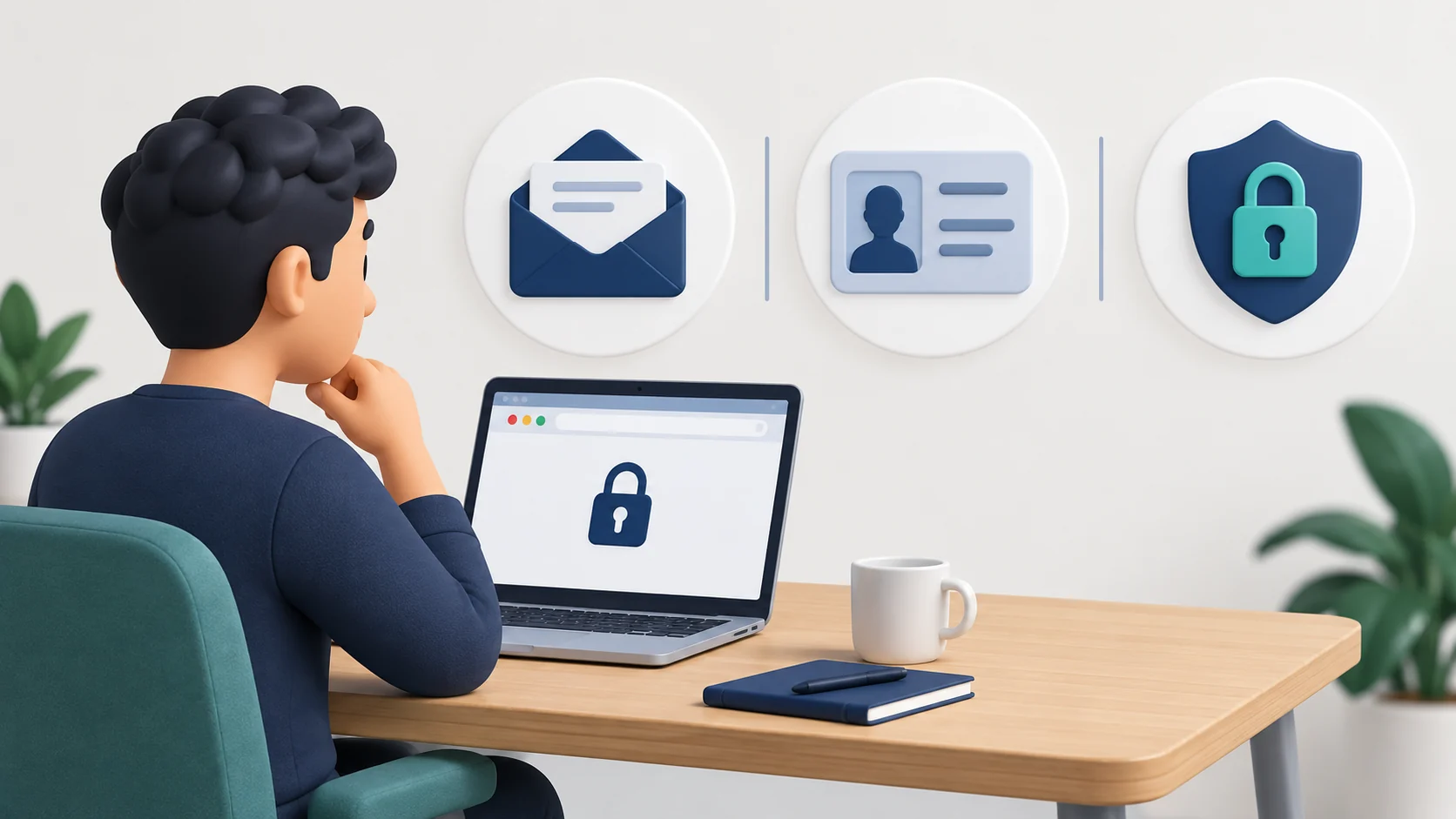
Binance sign-up steps
Open the official destination
Check the address bar before entering personal information. The registration link on this page includes Bimence’s affiliate identifier BIMENCE; its destination and any displayed referral conditions should be checked separately. Continue only if the registrable domain is binance.com. Avoid look-alike domains, unsolicited messages, and search advertisements that redirect elsewhere.
Create the account on Binance
Use an email address or phone number you control and follow the registration route shown by Binance. Its website guide also describes supported third-party sign-in routes; these may differ from the app or local service. For the email/phone route, enter the temporary verification code on the independently opened Binance page, then set a unique password that meets the displayed requirements. Do not send the code to a person claiming to help.
Review any referral code and its conditions
If a referral code is used, compare the displayed identifier with the intended code and read the eligibility and terms shown by Binance. BIMENCE identifies Bimence’s affiliate link; it is not required for registration. A third-party page cannot guarantee what Binance will display for a specific user.
Complete KYC where required
Open [Account] → [Identification] on the Binance website, or the verification entry shown in the official app. Check the current verification status, residence, accepted document type and any account limits. Enter information consistent with your own documents and complete the requested liveness check. Bimence does not collect identity documents, approve KYC or offer verification bypasses.
Binance’s personal-account verification guide requires new users to complete [Verified] before cryptocurrency deposits or trades. Creating an account alone does not grant that access. Verification does not override product or regional restrictions. Binance · en · 2026-10-20
Enable strong account security
Set up an authenticator or passkey where available, review anti-phishing protections, enable withdrawal safeguards, and keep recovery methods offline and private.
Review fees and availability before funding
Check the fee page, supported products, fiat rails, deposit and withdrawal networks, and rules for your location. Product availability can differ by country and account.
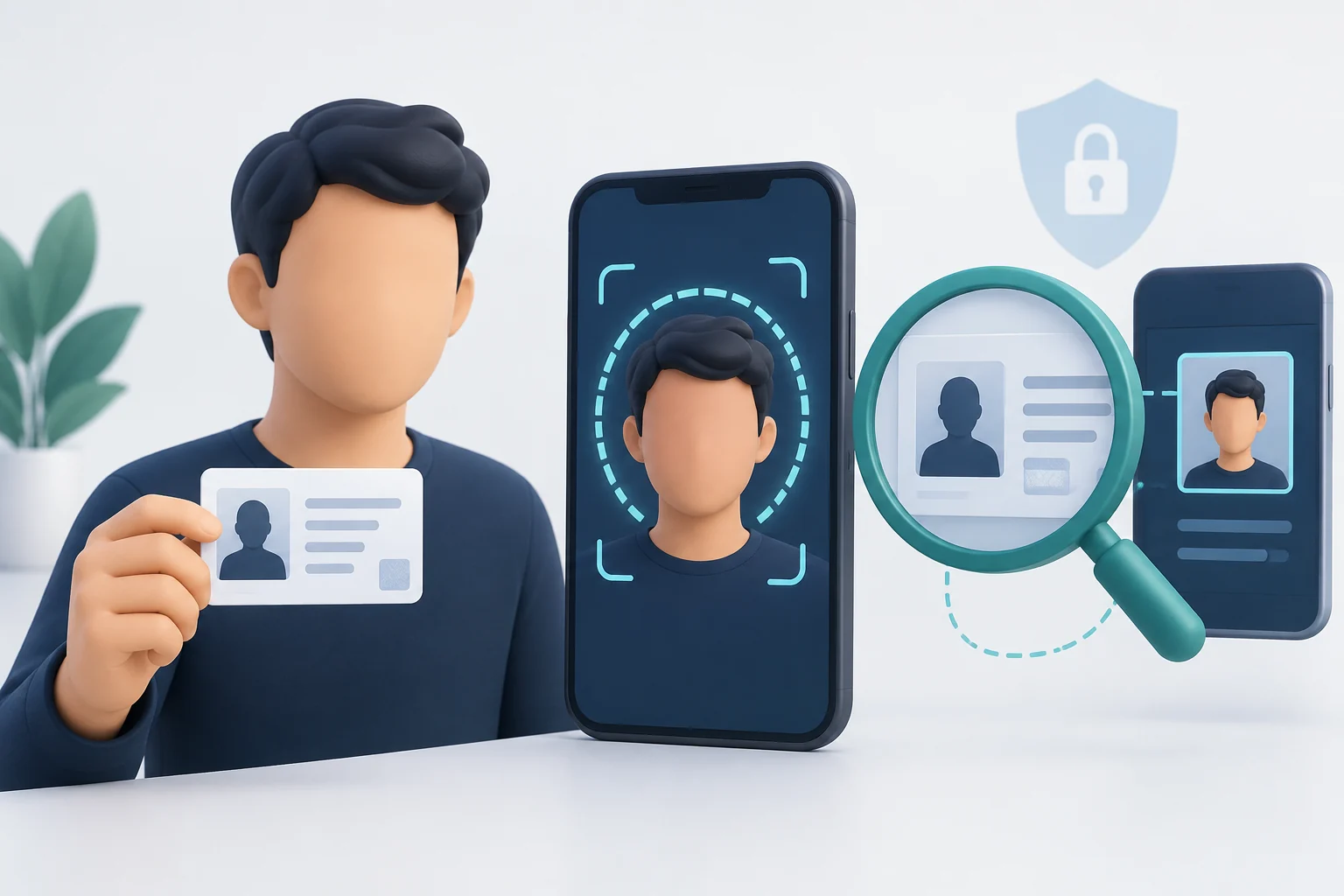
Which Binance code does the screen mean?
“Binance code” can describe different fields. Match the label and purpose before entering anything; an affiliate identifier cannot replace an authentication code.
| Code type | Purpose and boundary |
|---|---|
| Referral code | Optional identifier for a referral relationship. BIMENCE is the identifier in this page’s affiliate link, not proof of a particular rebate. |
| Promotion or voucher code | Relates to a particular campaign or redemption. Its terms and expiry are separate from account registration. |
| Email, SMS or authenticator code | Temporary authentication for a requested action. Keep it private and enter it only in the genuine flow you initiated. |
| Anti-phishing code | A personal recognition marker, not a sign-in code and not sufficient evidence that a message is genuine. |
Binance’s website instructions describe a referral identifier being filled from a referral link and a [Linked] status. The exact screen order can change. Review the identifier and terms at the step Binance provides; once linked, the referral code cannot be modified. Do not enter BIMENCE into an OTP or authenticator field.
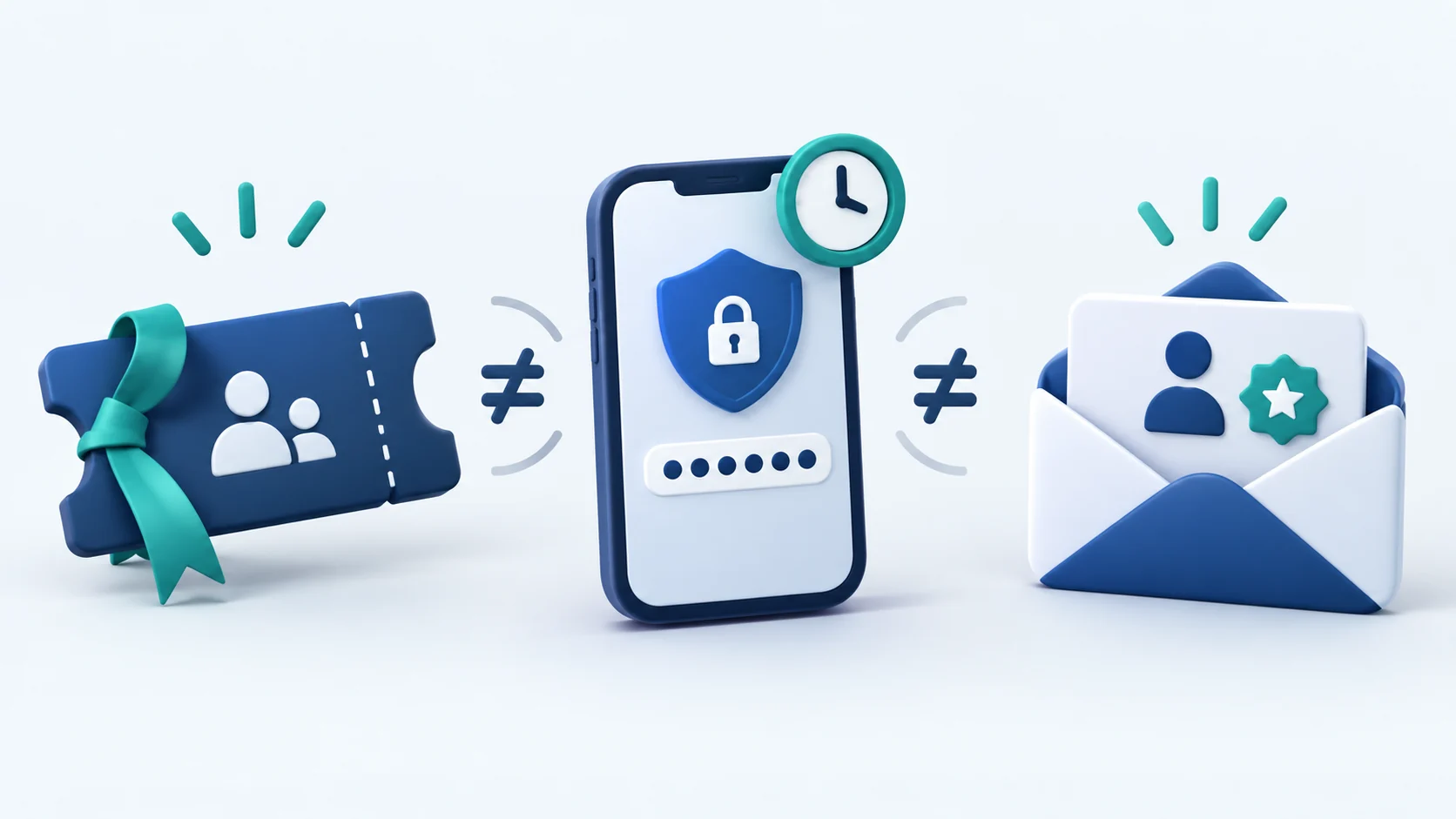
New-user checklist: what the code does and does not confirm
| Check on Binance | Why it matters |
|---|---|
| Intended referral code, if used, matches at the referral-linking step before confirmation | This confirms the code shown on the registration screen; the URL alone does not prove a particular rebate. |
| Any displayed referral rate and conditions | A shared rebate is conditional on the specific link, program, eligible product and account. Do not assume a fixed percentage or lifetime duration. |
| Welcome reward terms | A voucher or campaign task is different from a recurring trading-fee rebate and may require enrollment, KYC, eligible activity and an expiry date. |
| Local service and product availability | Registration, Spot, Margin and Futures may have different regional rules. Do not work around a restriction. |
If an intended referral code or expected offer is absent, review the registration-screen conditions and our referral-code troubleshooting guide. If you already registered, read the limited post-registration binding conditions rather than creating a duplicate account.
First account checks after registration
- Finish any required identity verification only inside Binance and turn on a passkey or other supported second factor.
- Open Binance’s fee and VIP screen for your own Spot maker/taker rate. A referral rebate and the separate BNB fee-payment discount are different mechanisms; neither is guaranteed by entering BIMENCE.
- Before the first deposit, check the asset, network, memo or tag, and any live deposit/withdrawal limits and fees. A transfer to the wrong network can be difficult or impossible to recover.
Use your account’s status, not a third-party success message. Confirm access to the account and contact method and review product permissions before deciding whether to fund the account. A completed registration neither guarantees referral benefits nor removes trading, custody or cybersecurity risk.
After any eligible trade, compare the actual fee in Trade History with the applicable rate and inspect your account’s referral or reward records. Binance controls eligibility and settlement timing.

If registration stops: checks before another attempt
- No email or SMS code: verify the contact address, check spam or blocked messages, and follow the resend timer displayed by Binance. Do not repeatedly request codes or accept one supplied by a stranger.
- Contact already registered: use the existing account’s official sign-in or recovery route. Creating a second account is not a remedy for referral eligibility.
- Referral field absent or code invalid: check the route and message on Binance. Do not interpret an absent field as a confirmed discount; use the linked troubleshooting guide for the narrower referral issue.
- KYC pending or rejected: read the status and reason inside [Identification], and follow the requested correction or official support route. Approval times are not guaranteed by this guide.
- Region or product restriction: stop the affected action and follow the services legally available for your location. Do not change residence information or use location-masking tools to get around it.
For support, record the exact on-screen error, the stage reached and the time. Remove personal documents, passwords, authentication codes and recovery secrets from any screenshot shared outside the official secure process.
Can an existing account add BIMENCE later?
Standard late binding and the separate Affiliate Rebind application are not interchangeable: their eligibility tests and 30-day starting points differ. Neither guarantees acceptance or replacement of an existing referrer. See the post-registration binding guide and the official Binance Referral Pro FAQ and Binance Affiliate Rebind FAQ. BIMENCE participation in Rebind is not verified.

Regional and program eligibility
Binance services and referral programs are not available everywhere. Binance affiliate guidance restricts targeting the United States, the United Kingdom, the EU/EEA, Singapore, Hong Kong, and other prohibited locations. Additional product and applicant exclusions apply, and the list can change.
If the registration page is unavailable, redirects to a local platform, or does not show the offer, do not use technical workarounds. Follow the rules and services legally available in your location.
Security checklist before the first deposit
- Bookmark the official Binance domain instead of relying on ads or unsolicited links.
- Use a unique password stored in a reputable password manager.
- Enable a phishing-resistant passkey or authenticator where available.
- Activate anti-phishing and withdrawal protections offered by Binance.
- Verify the asset and network before every deposit or withdrawal.
- Never disclose a password, OTP, authenticator backup code, API secret, or seed phrase.
- Start with a small test transfer when using an unfamiliar address or network.
Referral rewards are conditional
Binance campaign rewards can have enrollment windows, allocation caps, KYC deadlines, deposit or trading tasks, and distribution schedules. A maximum reward shown in marketing is not an automatic payment. Review the active campaign page and Rewards Hub in the account.
Frequently asked questions
Post-registration binding explanation reviewed October 23, 2026. This targeted review does not change the review date of unrelated signup or KYC conditions.
What is the Binance referral code for Bimence?
BIMENCE is the identifier in Bimence’s affiliate registration link. A referral code is not a requirement for account creation and does not by itself confirm a fee rebate.
Does BIMENCE guarantee a fee discount?
No. Binance controls the link configuration, displayed rate, user eligibility, products, duration, and all campaign terms. Confirm the live offer before registering.
Does Bimence perform Binance KYC?
No. Identity verification must be completed directly with Binance. Never upload identity documents to Bimence.
Can I change my referrer later?
An established referral generally cannot be replaced. For an unbound account, standard late binding and the separate Affiliate Rebind application have different conditions. The post-registration guide separates the registration-based and application-based 30-day windows.
Official sources and review date
Section review — October 4, 2026: Registration, identity-verification status, referral linking and affiliate-targeting restrictions were checked against the English official guides. Other source review dates below are retained for unchanged material. Illustrations are explanatory, not official account screens.
- Binance website registration guide (English) ↗
- Binance personal identity verification guide (English) ↗
- Binance Referral Pro FAQ (English) ↗
Reviewed September 27, 2026 against the English Binance resources below. Registration screens, programs and regional terms can change; your live Binance account controls.
- Binance Beginner’s Guide (English) ↗
- Binance BNB fee-payment guide (English) ↗
- Binance Referral Pro FAQ ↗
- Binance Referral Program Additional Notes ↗
- Binance Affiliate Restricted Countries Guide ↗
Next steps after registration
- Troubleshoot a referral code that does not appear
- Check limited post-registration referral binding
- Prepare for Binance KYC verification
- Harden Binance account security
- Review deposit and withdrawal safety