
Binance Account Security: A Practical Protection Checklist
No single setting can eliminate account risk. The strongest approach layers a trusted login route, unique credentials, phishing-resistant authentication, protected email, withdrawal controls, device review, and cautious API permissions.
Highest-priority protections
Bookmark the official domain
Use a verified bookmark instead of search advertisements, unsolicited messages, or copied login links. Check the registrable domain before signing in.
Use a unique password
Create a long password that is not used for email, another exchange, or any social account. Store it in a reputable password manager.
Enable strong authentication
Use a passkey, hardware security key, or authenticator where supported. Protect backup and recovery material offline.
Secure the linked email
An attacker who controls the email account may reset access or approve changes. Give the email account its own unique password and strong authentication.
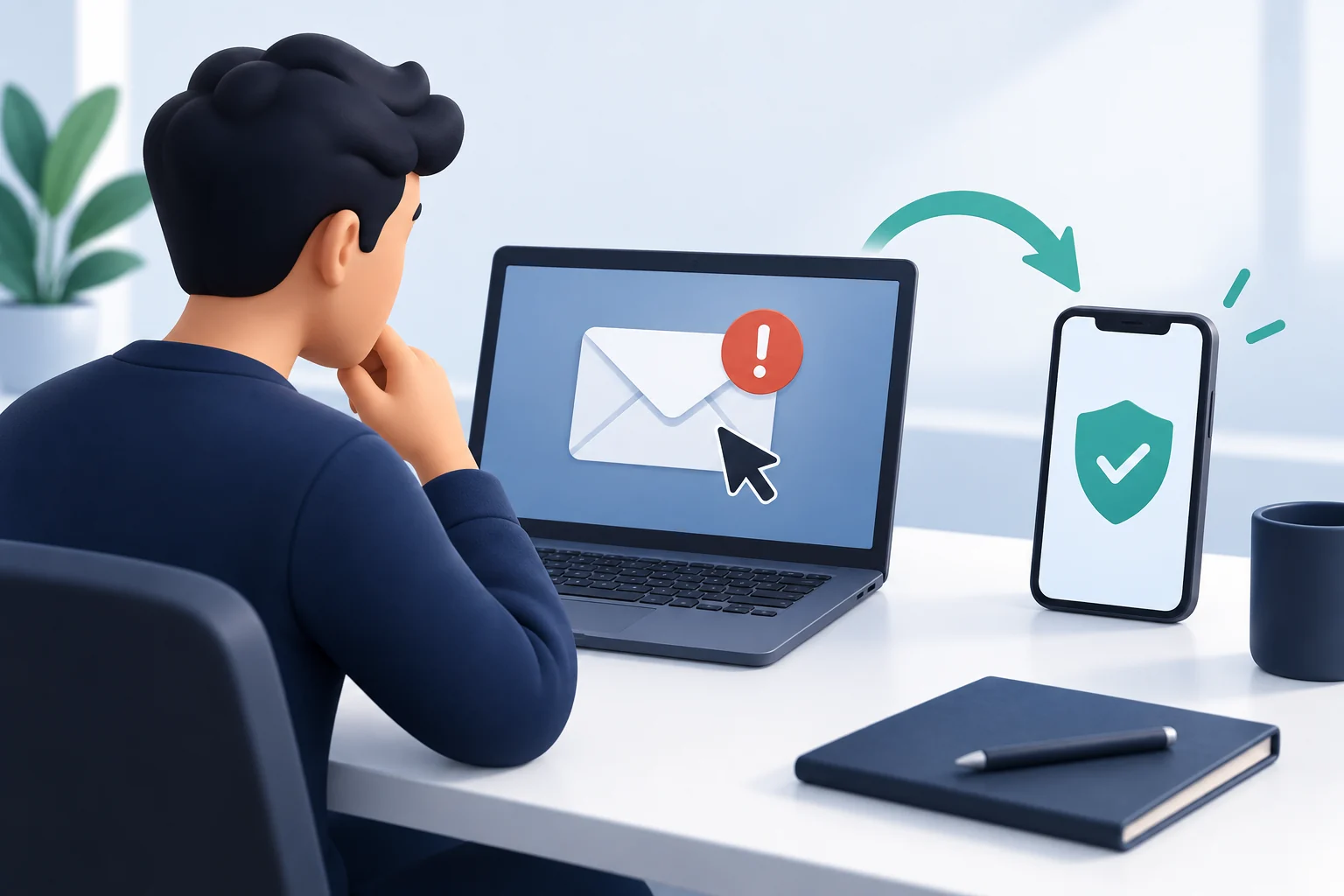
Passkeys, authenticators, hardware keys, and SMS
Two-factor authentication requires more than a password. A passkey or hardware security key can resist many phishing attacks because authentication is bound to a legitimate service and a physical device. Authenticator apps are also a strong practical improvement over password-only access.
SMS can be exposed to SIM-swapping, phone-number takeover, or message interception. If SMS remains enabled as a backup, secure the mobile-carrier account and use a carrier PIN where available.
Set a Binance anti-phishing code
If the marker in a received message is missing or different, use the Binance anti-phishing code email and SMS checks for independent source verification, channel limitations and evidence to provide to official support.
Binance Academy describes the anti-phishing code as a user-selected code that appears in genuine Binance emails after it is enabled. A missing or incorrect code is a warning sign, but the presence of a code should not replace checking the sender, links, domain, and context.
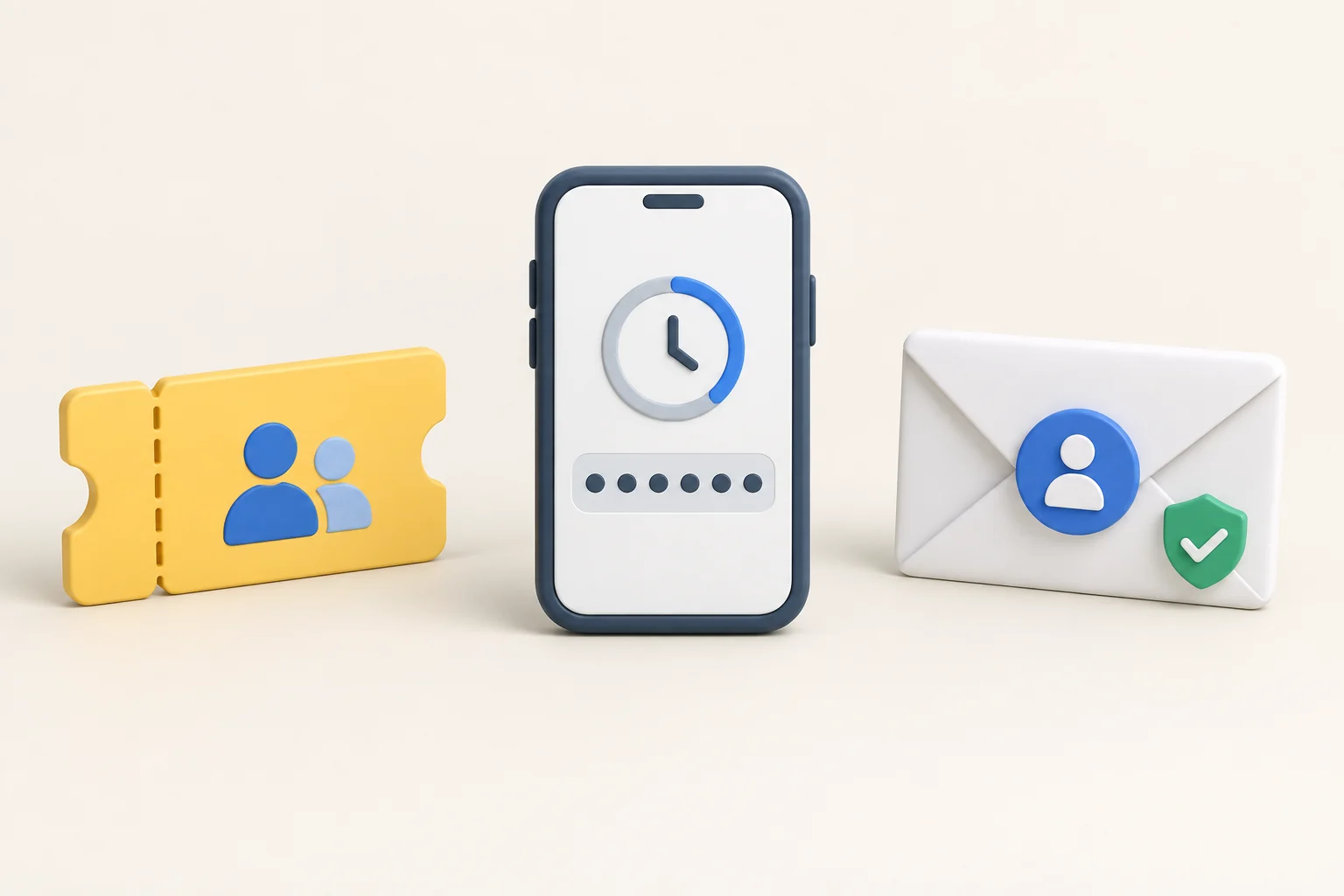
- Open the security settings inside Binance.
- Choose the anti-phishing-code option.
- Create a code that is not a password and does not reveal personal information.
- Confirm the change through the official authentication flow.
- Treat messages without the expected code as suspicious and open Binance through a bookmark instead.
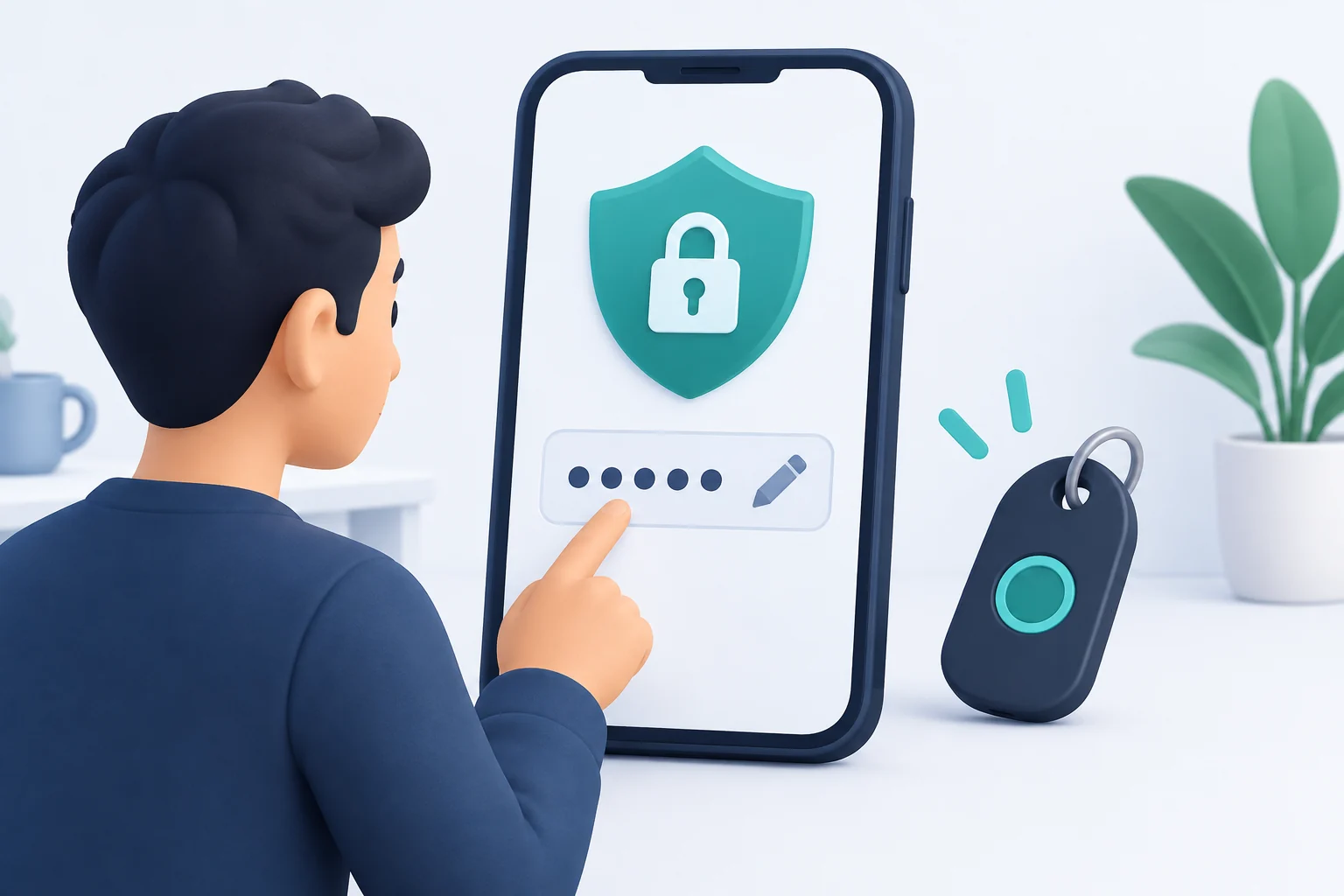
Use withdrawal-address controls
Withdrawal-address management or whitelisting can restrict transfers to approved destinations. This can reduce damage if login credentials are compromised, but it is not a substitute for checking the address, asset, network, and memo.
- Label approved addresses clearly.
- Delete addresses that are no longer used.
- Review every addition through an independently secured email account.
- Use a small test transfer for a new destination.
- Do not approve a new address because a caller or chat message claims it is required.
Review devices and account activity
Regularly review recognised devices, login history, IP activity, security changes, API keys, withdrawal-address changes, and transaction history. Investigate unfamiliar events through official support.
Remove old or lost devices. Keep operating systems, browsers, password managers, and security software updated. Avoid signing in on shared or public computers.
API key safety
An API key can expose account information or permit trading and withdrawals depending on its permissions. Create an API key only when the integration is understood and trusted.
- Grant the minimum permissions required.
- Do not enable withdrawal permission for a read-only portfolio tool.
- Restrict API access by IP where the workflow allows it.
- Use separate keys for separate services.
- Rotate or delete unused keys.
- Never paste an API secret into Bimence, a support chat, or an unverified application.
Common Binance phishing patterns
- A message says the account will be frozen unless a link is opened immediately.
- A fake support agent requests an OTP, screen share, or remote-access software.
- A search advertisement copies Binance branding but uses another domain.
- A “recovery expert” asks for a seed phrase, private key, or advance payment.
- A browser extension or app requests permissions unrelated to its stated purpose.
- Clipboard malware changes a withdrawal address after it is copied.
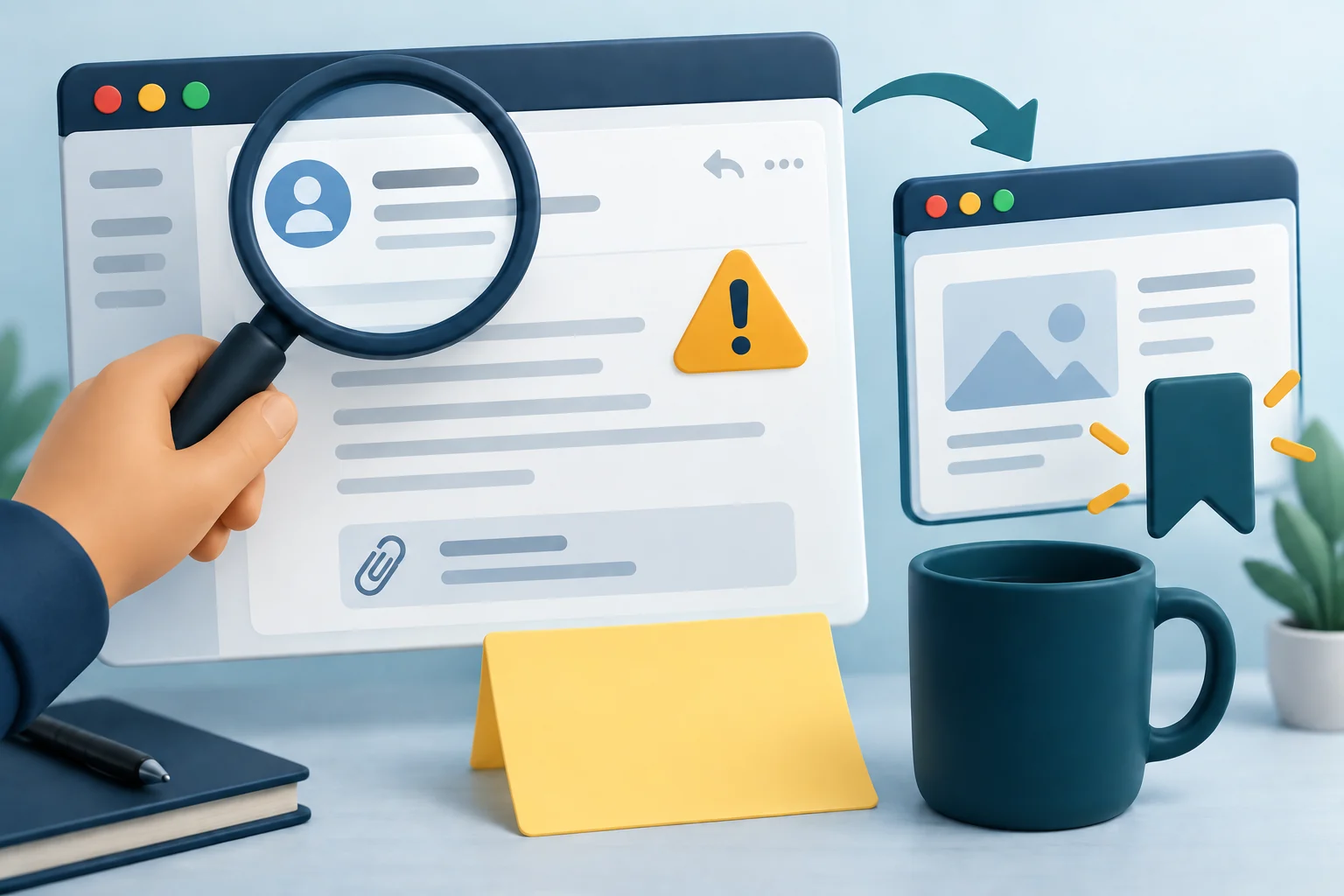
If compromise is suspected
- Stop approving authentication prompts and transactions.
- Open Binance through a trusted bookmark or official app.
- Use official emergency account controls and support.
- Change the Binance password and the linked email password from a trusted device.
- Review devices, API keys, addresses, and recent activity.
- Preserve transaction IDs, timestamps, email headers, screenshots, and support case numbers.
- Contact relevant custodians, wallet providers, banks, or authorities where appropriate.
Frequently asked questions
Is a passkey safer than SMS?
A passkey is designed to resist many phishing and credential-reuse attacks. SMS can be exposed to phone-number takeover. Availability and recovery options should be reviewed inside the account.
What is the Binance anti-phishing code?
It is a user-selected code Binance includes in genuine communications after the feature is enabled. Treat a missing or incorrect code as suspicious.
Should every API key allow withdrawals?
No. Apply least privilege. A read-only service does not need trading or withdrawal permissions.
Can Bimence recover a Binance account?
No. Bimence cannot access or recover Binance accounts and never requests credentials or transfers.
Official sources
Related Bimence guides
- Binance sign-up guide
- Binance deposit and withdrawal guide
- Crypto risk disclosure
- Learn how to secure Binance API keys with least-privilege permissions, trusted IP restrictions, safe storage, and incident-response steps.
- For device setup, cross-device sign-in, and lost-device checks, read the Binance passkey setup and recovery guide.
The Binance Proof of Reserves guide covers balance verification and its limits, a separate topic from login and withdrawal controls.