
Binance Deposits and Withdrawals: Network and Transfer Checks
Binance can support crypto deposits, crypto withdrawals, fiat methods, cards, and P2P options, but availability varies by account and location. For blockchain transfers, the asset, address, network, memo or tag, and live fee must all be checked before confirmation.
Binance deposit and withdrawal checks, before and after sending
For an external blockchain transfer, match the asset, supported network, full address and required Memo/Tag before confirmation. After sending, distinguish the Binance request, blockchain confirmations and receiving-side credit. Account and regional availability can differ; internal transfers, fiat and P2P use separate flows.
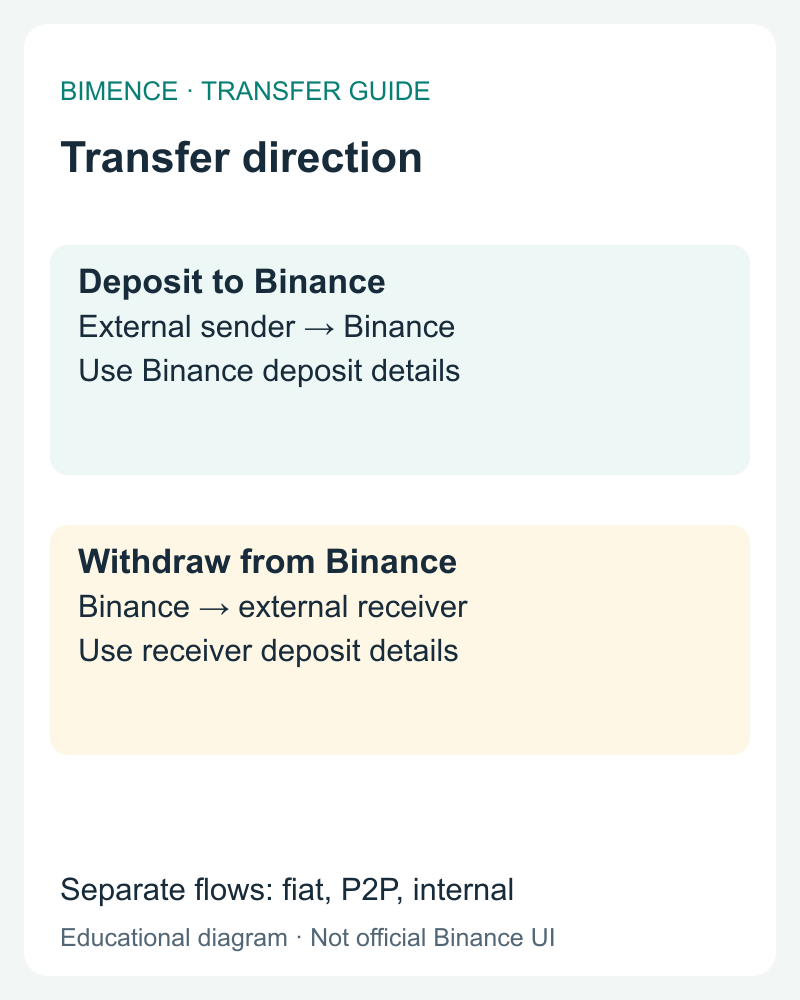
1. Start with the transfer direction
For a deposit to Binance, obtain the current asset, network, address and any required Memo from Binance’s crypto deposit screen. For a withdrawal from Binance, obtain those details from the receiving service. In the current app guide, withdrawals start at Assets → Overview → Send → Withdraw Asset; labels can differ by version.
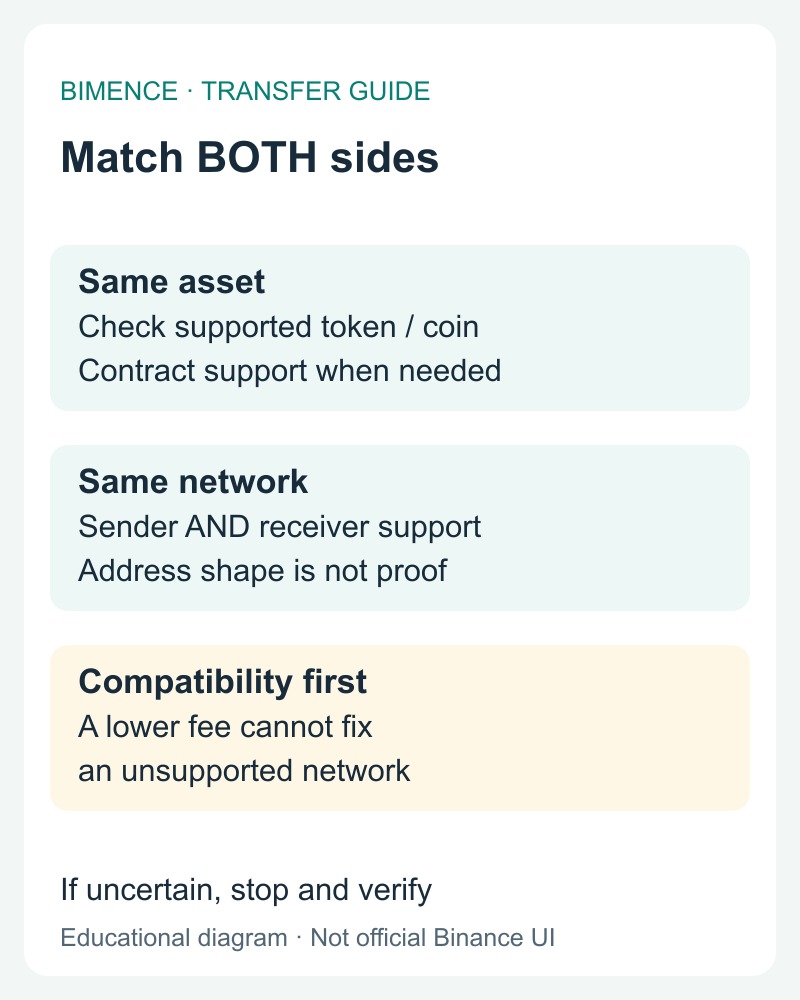
2. Match network support, not just address appearance
Both sides must support the same asset and selected network; check token-contract support where applicable. Automatic network selection or a similar-looking address is not a substitute for verification. If the destination supports only one network, a lower-fee unsupported network is not an alternative. Stop if compatibility cannot be established.
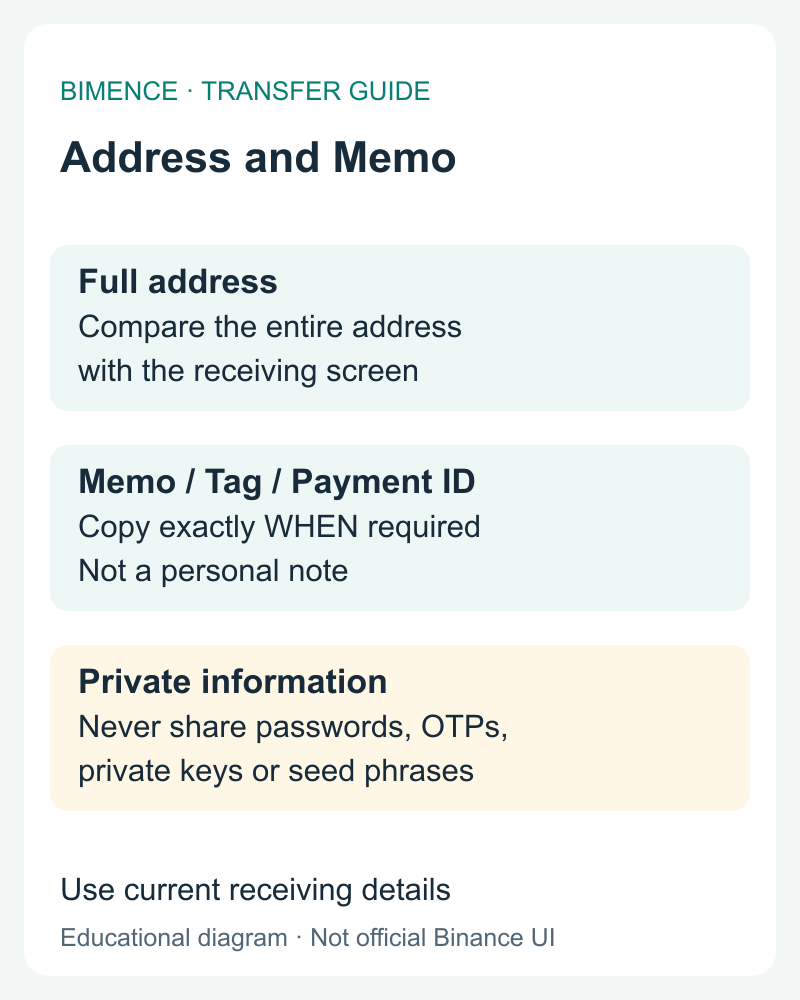
3. Verify the full address and required Memo/Tag
Exchange account or Binance Wallet? A crypto deposit address shown in your Binance exchange account is for crediting that account; Binance Wallet is a separate self-custody context. Do not assume that a balance or receiving address shown in one belongs to the other. Identify the receiving product and account, then use its current asset, supported network, address and required Memo/Tag. Official Binance Wallet explanation.
Compare the complete pasted address with the current receiving screen, not only its first and last characters. A required Memo, Tag or Payment ID is an additional destination-specific identifier, not a personal note. Copy it exactly when required. Never disclose passwords, one-time codes, private keys or seed phrases to a recovery contact.
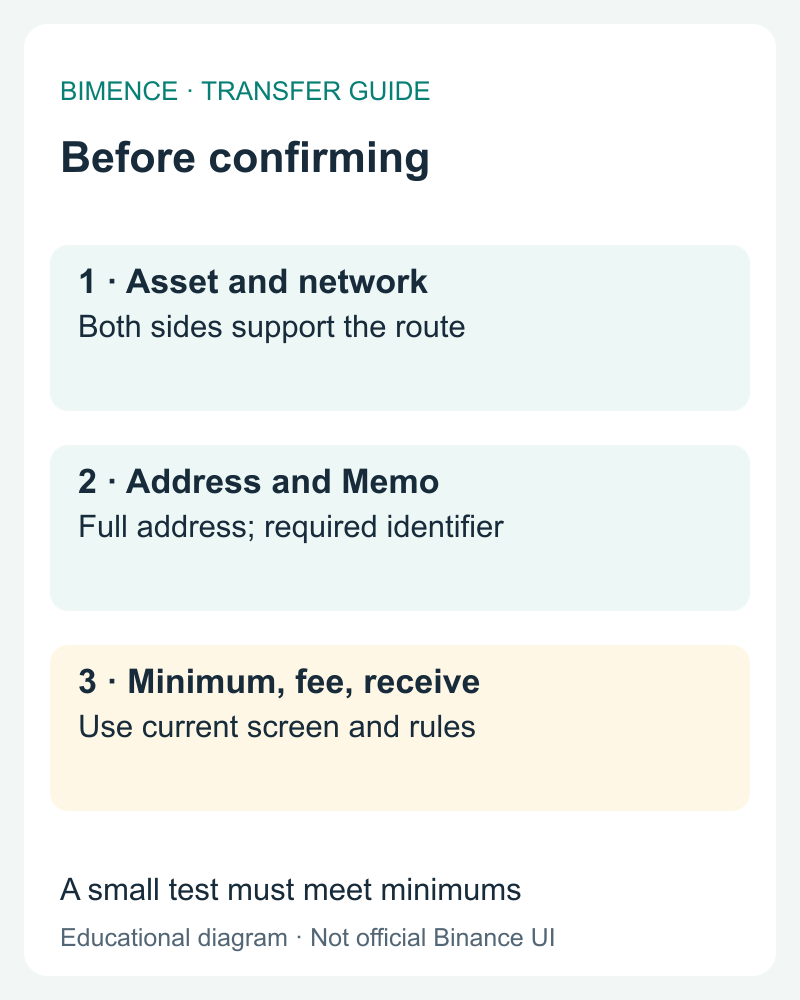
4. Check the minimum and final receive amount
Read the current receiving minimum, withdrawal fee and final receive amount before confirmation. A small test still needs to meet the destination’s minimum and support rules. Binance distinguishes Withdrawal amount from Receive amount; use the live screen rather than an old fee table. Do not assume trading discounts remove transfer costs.
5. Locate the stage using history and TxID
Open Transaction History in Binance; in the app guide it is available from Assets → Overview. Processing is not proof of receiving-side credit. Completed means Binance sent the funds; use the TxID on the correct network explorer, then check the receiving deposit history and confirmation requirements. A confirmed transfer not credited at the destination requires receiving-side checks, not another blind transfer.
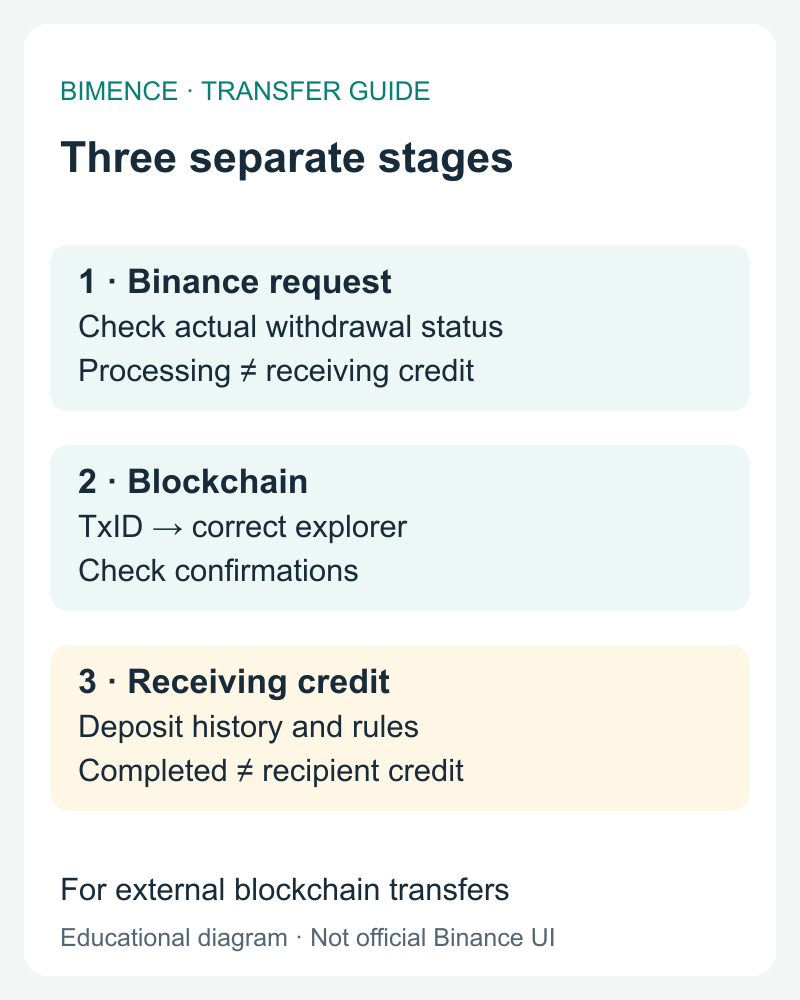
Added procedure reviewed October 11, 2026 against the linked English official documents. Bimence educational diagrams, not official Binance screens. This review date applies to this section.
Binance funding methods at a glance
Crypto deposit
Transfer an asset from another wallet or platform to the deposit address and supported network shown by Binance.
Crypto withdrawal
Send an asset from Binance to an external address using a network supported by the receiving wallet.
Fiat deposit or withdrawal
Bank-transfer and payment methods depend on country, currency, verification, provider, limits, and current availability.
Card or P2P
Card purchases and P2P markets have separate prices, fees, counterparties, payment rules, and regional availability.
How to deposit crypto to Binance
- Sign in through the official Binance website or app.
- Choose the deposit function and select crypto deposit.
- Select the exact asset you intend to send.
- Select a deposit network that the sending wallet also supports.
- Copy the Binance deposit address; include a memo, tag, or payment ID when Binance requires one.
- Confirm the address, network, asset, and memo on both sides.
- Consider a small test transfer before sending a material amount.
- Monitor confirmations and deposit history using the transaction ID.
A transfer can remain pending while a blockchain reaches the required number of confirmations. Network congestion, maintenance, minimum-deposit rules, or an omitted memo can affect crediting.
How to withdraw crypto from Binance
- Open the withdrawal function and choose the asset.
- Paste the receiving address instead of typing it manually.
- Select the network supported by the destination wallet.
- Enter any required memo or tag.
- Review the withdrawal amount, minimum, live network fee, and estimated received amount.
- Confirm the destination independently, especially after copying and pasting.
- Complete the Binance security checks and verify the status in withdrawal history.
For temporary withdrawal restrictions, see withdrawal suspension: causes and checks.
Network, address, and memo checks
| Field | What must match | Common failure |
|---|---|---|
| Asset | The token or coin supported by both platforms | Choosing a similar ticker or unsupported token contract |
| Network | The sending network and receiving deposit network | Selecting BEP-20 when the receiving service expects ERC-20, or vice versa |
| Address | The full receiving address | Clipboard malware, truncation, or using an old address |
| Memo or tag | The destination-specific identifier when required | Omitting or mistyping it on an exchange deposit |
| Amount and fee | Minimums, fee, and net received amount shown live | Assuming a fixed fee from an old article |
Binance withdrawal fees are not fixed globally
The displayed withdrawal fee can vary by asset, network, congestion, platform policy, and account context. Check the live confirmation screen. Do not use an old screenshot or a third-party table as the final quotation.
Trading fees are different from withdrawal fees. See the Binance fees guide for Spot, Futures, BNB, VIP, and referral mechanisms.
Fiat and P2P availability
Bank transfers, cards, fiat withdrawal, currencies, P2P payment methods, limits, and providers vary by country and account. The presence of a general Binance article does not prove a method is available in every location.
For P2P, follow the platform’s order flow and appeal system, check counterparty terms, and do not move communication or settlement outside the official process. Never release crypto solely because a screenshot claims payment was sent.
What if the wrong network was used?
- If the receiving destination is another custodial platform, contact that platform’s official support.
- If the destination is a self-custody wallet, use the wallet provider’s verified documentation and understand which network actually holds the token.
- Never give a seed phrase or private key to a person claiming to recover the funds.
- Do not install remote-access software or pay an unsolicited “recovery agent.”
Binance Academy notes that a wrong-network outcome depends heavily on whether the receiving wallet supports the network and whether the user controls its private keys. A custodial provider may be unable or unwilling to recover the asset.
Transfer security checklist
- Use only the official Binance website or app.
- Protect the Binance account and linked email with strong authentication.
- Use withdrawal-address management or whitelisting where appropriate.
- Compare the complete pasted address with the current receiving address; do not rely only on the first and last characters.
- Confirm the asset contract and network from official sources.
- Use a small test when the route is new or the amount is material.
- Never share a password, OTP, API secret, private key, or seed phrase.
Frequently asked questions
How long does a Binance deposit take?
It depends on the network, required confirmations, maintenance, and crediting rules. Check the transaction ID and the live deposit status.
Which network should I choose?
Choose a network supported for the same asset by both the sending and receiving sides. Do not choose solely because the fee is lower.
Can Binance recover a wrong-network transfer?
Recovery depends on the transfer direction, destination, network support, and custody. It is not guaranteed. Contact the official support team of the receiving custodian.
Does Bimence provide recovery service?
No. Bimence never requests transfers, private keys, seed phrases, remote access, or account credentials.
Official sources
- Binance Academy: Deposit and Withdrawal Guide ↗
- Binance Academy: Wrong-Network Transfers ↗
- Binance Academy: Address Management and Travel Rule ↗
Related Bimence guides
- Binance fees explained
- Binance account security checklist
- Crypto risk disclosure
- Binance Deposit Not Credited: Network, Memo and Recovery Checks