If Binance verification failed, start with the exact status and rejection message shown under Identification instead of immediately submitting the same files again. Most recoverable problems involve an unsupported or expired identity document, unreadable images, information that does not match the document, an incomplete face check, or proof-of-address evidence that does not meet the requirements shown for the account. Requirements and available services vary by country, account, and Binance entity.
Key takeaways
- Check whether the application is pending, rejected, or asking for another step before trying again.
- Use the document type and issuing country offered in your own Binance verification flow.
- Submit a valid original document with all required edges and details clearly visible.
- Make the account details match the document exactly; do not edit a document image to force a match.
- For a face check, remove hats and glasses, avoid filters, use even lighting, and keep your face centered.
- If Binance shows an identity-update or support route, use that route instead of creating another account or using someone else’s identity.
What “Binance verification failed” can mean
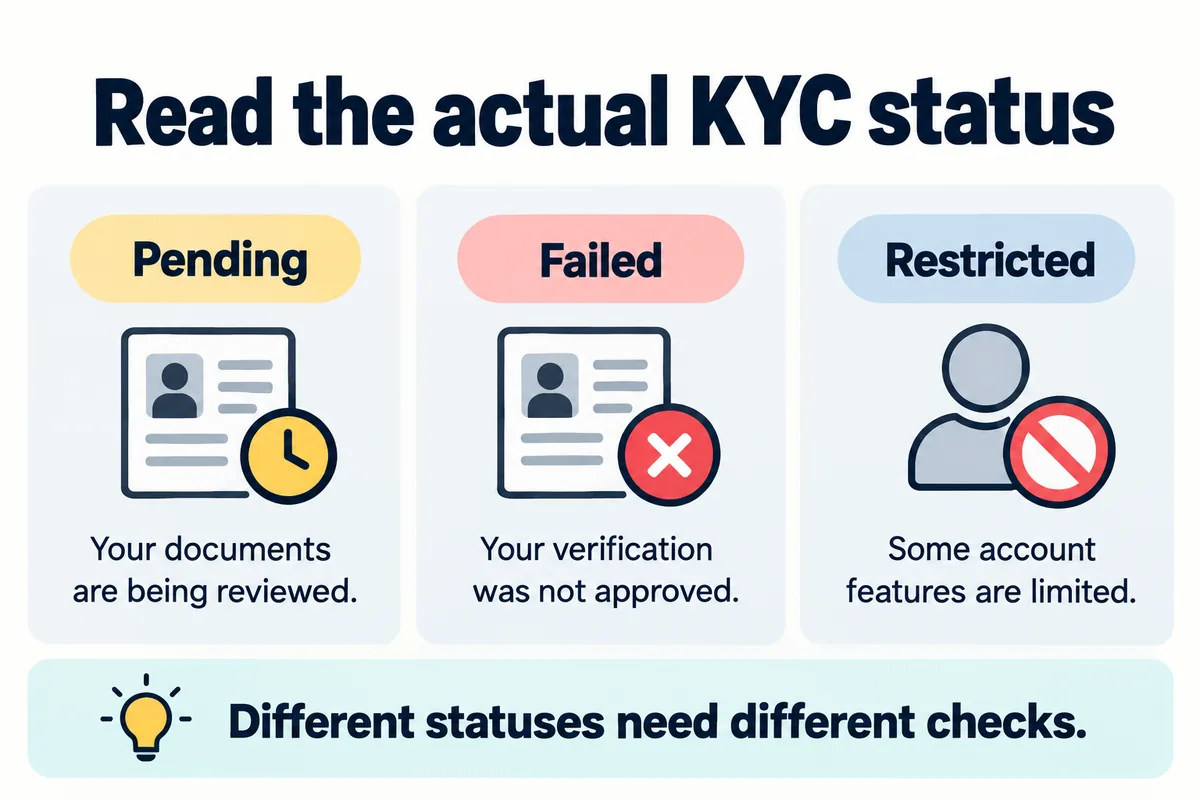
A failed identity-verification attempt is not the same as an application that is still under review. It is also different from a verified account that cannot use a particular deposit, trading, or withdrawal feature. First identify the state displayed in Profile → Account → Identification or Account Center → Profile → Verifications in the app.
| Displayed state | What it usually means | Next check |
|---|---|---|
| Pending or under review | The submission has not received a final decision | Check for a request for another document or action; avoid duplicate submissions |
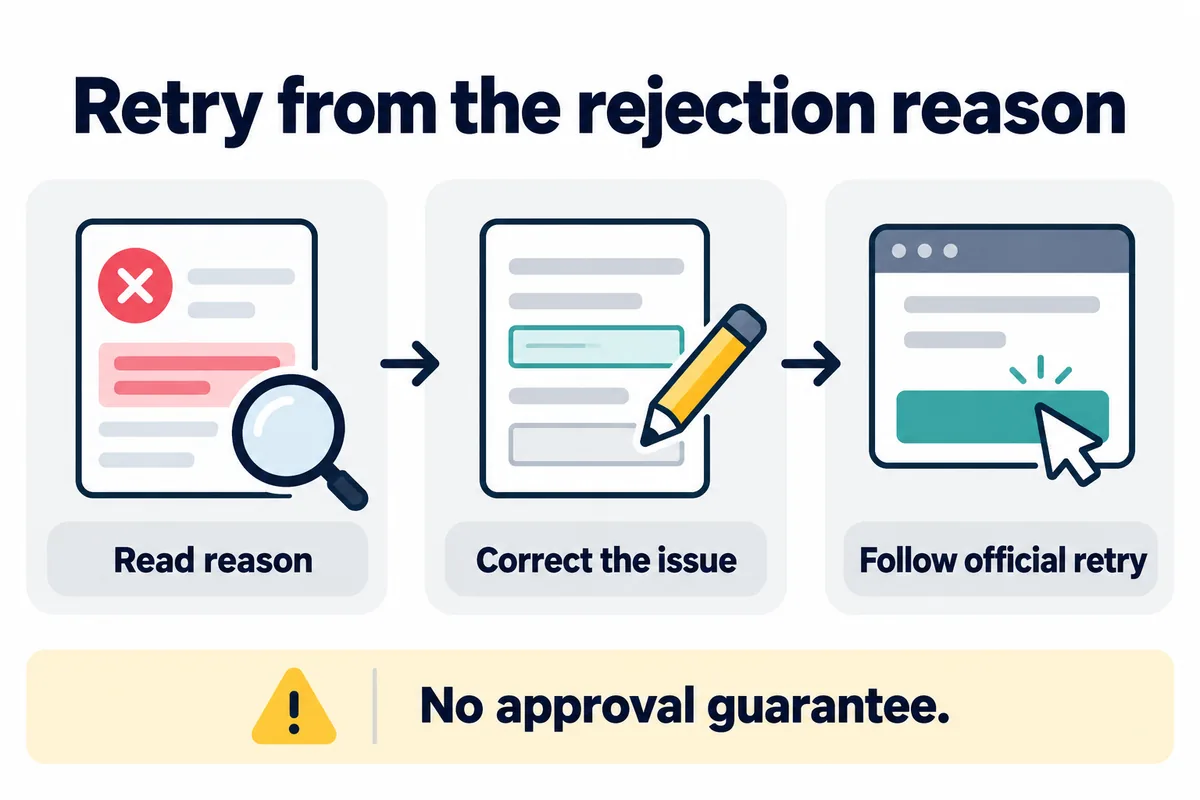
| Rejected or unsuccessful | Binance could not accept or verify part of the submission | Read the stated reason and correct that specific issue |
| Action required | A document, face check, address check, or questionnaire remains incomplete | Open the verification task and follow the account-specific instructions |
| Verified, but a feature is unavailable | KYC is complete but another eligibility, security, regional, or product condition applies | Check the feature’s notice, limits, and the account’s security status |
For the general sequence and terminology, see the Binance KYC verification guide. This page focuses only on troubleshooting a failed or incomplete attempt.
Common rejection reasons and practical fixes
1. The document type or issuing country is not accepted
Binance asks you to select the issuing country or region and then shows the document types available for that flow. An otherwise clear image will not fix a document that is unsupported for the selected country or verification level.
- Return to the Identification or Verifications screen.
- Confirm that the issuing country or region is accurate.
- Select only a document type offered on screen.
- Check that the document is valid and has not expired.
Do not enter a false country, use a VPN to imitate another location, or borrow another person’s document. If the country or verified identity is genuinely wrong and cannot be edited, use the official identity-update or Binance Support route.
2. The identity document photo is blurred, cropped, reflected, or edited
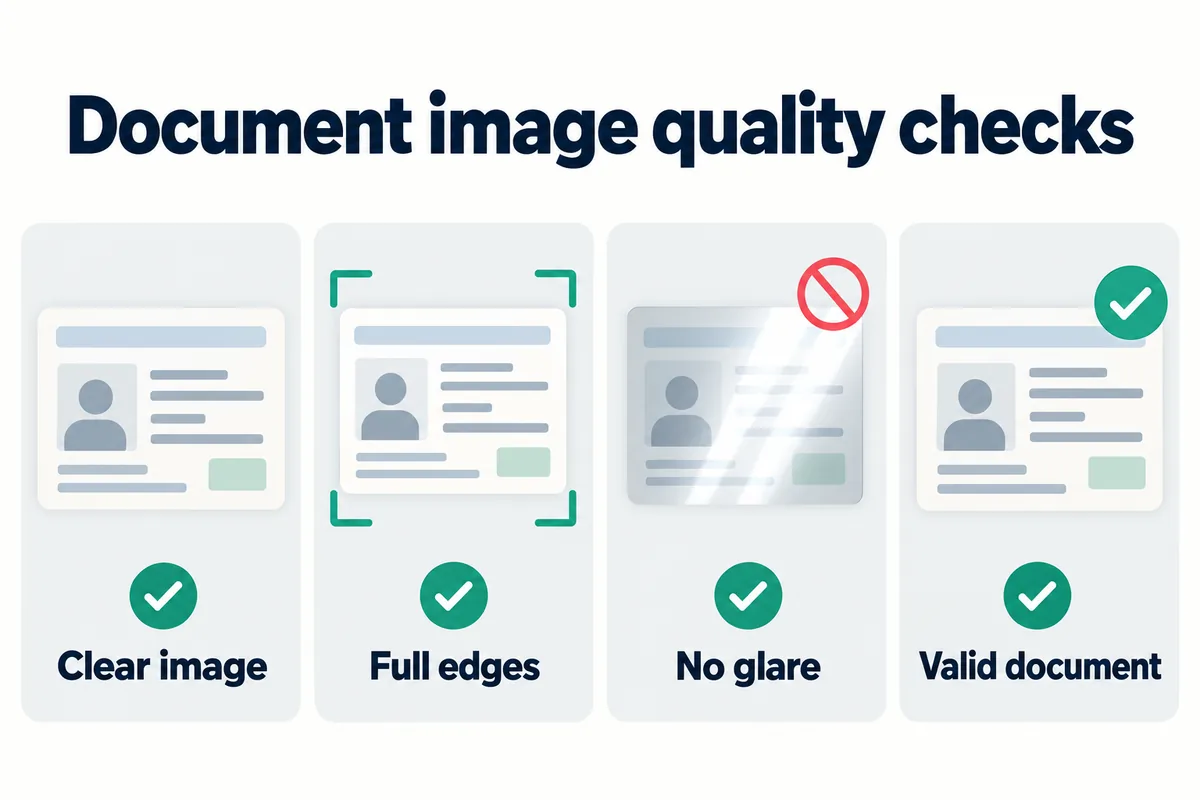
Binance’s current instructions say document photos should show the full document clearly. Cropped edges, glare, reflections, unreadable text, heavy shadows, filters, or image edits can prevent the document from being processed.
- Place the document on a flat surface under even light.
- Capture every required side and keep all required edges visible.
- Check the legal name, date of birth, document number, and expiry date at normal reading size.
- Retake the image if text or the portrait is unclear.
- Do not retouch, sharpen, cover, watermark, or alter security features unless Binance explicitly instructs you to mask a field.
3. Account details do not match the document
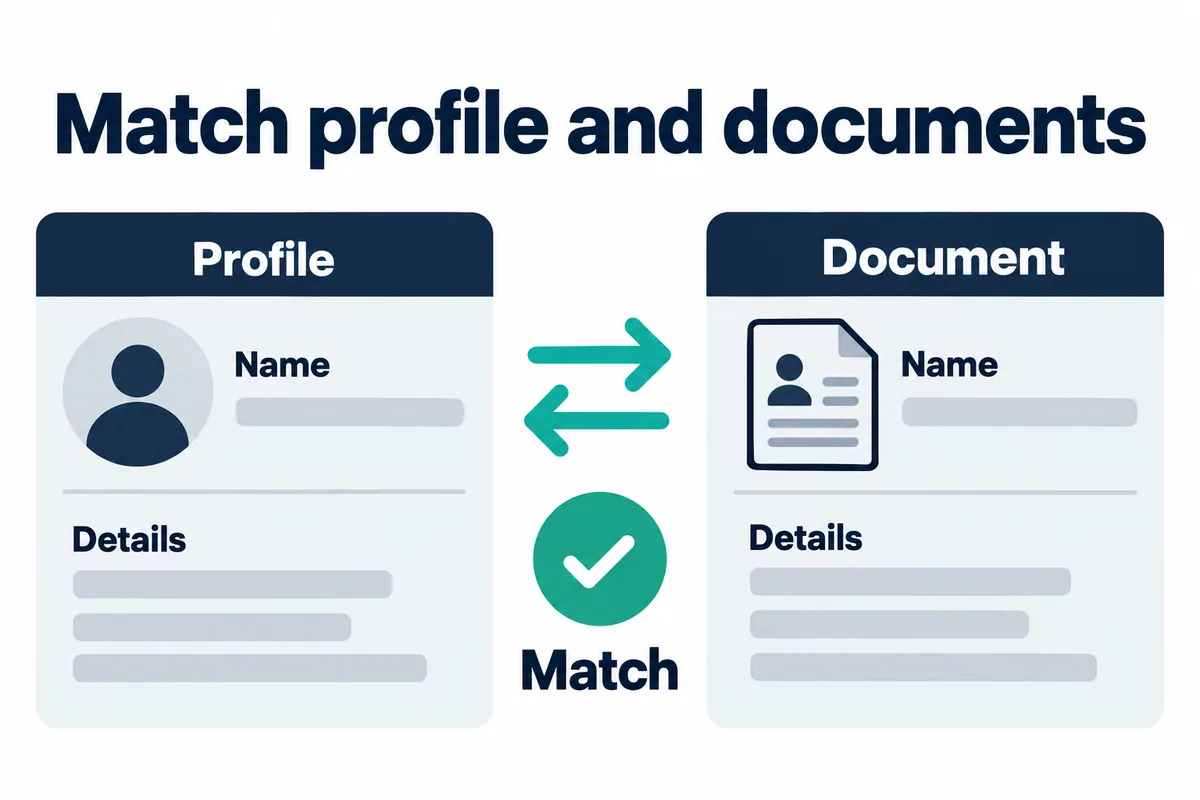
Compare the submitted information character by character with the document. Pay particular attention to full legal name, name order, date of birth, nationality, document number, issuing country, and residential address when requested. Transliteration and multiple surnames can be account-specific, so follow the format requested on the screen rather than guessing.
If you already confirmed incorrect identity information, Binance provides an Update Identity flow for eligible accounts and directs users who cannot proceed to Binance Support. Binance notes that an identity update can place the account in withdrawal-only mode until the new information is submitted and verified, so read the displayed consequences before starting.
4. Face verification or liveness check does not complete
For the face step, Binance instructs users to keep the whole face visible and centered, keep their eyes open, avoid hats, glasses, and filters, and use sufficient lighting. A working camera and permission for the Binance app or browser are also necessary.
- Clean the camera lens and move away from strong backlighting.
- Remove hats, dark glasses, and face-obscuring items.
- Disable visual filters and keep the device steady.
- Complete the check yourself and follow only the movements requested on screen.
- If the camera does not open, check the app or browser camera permission before retrying.
Do not ask another person to perform the face check. If Binance reports multiple faces, twins, or another exceptional case, follow the specific support request shown for the account.
5. Proof of address is rejected
Proof-of-address requirements are separate from the identity-document photo. Binance’s current general guidance says the document should show the account holder’s name, full residential address, issue date, and issuing authority. Accepted document types and the permitted age of the document vary by jurisdiction.
Before uploading again, check:
- The name and address match the information submitted to Binance.
- The document is within the age limit shown for your jurisdiction.
- The full page and all required corners are visible.
- The issuer, date, and address are readable.
- The file is an accepted format such as PDF, JPG, JPEG, or PNG when those formats are offered.
- The document is original and unedited.
Binance states that proof-of-address review may take up to one or two working days in the general flow. That is not a guaranteed processing time for every account or jurisdiction.
6. The daily retry limit was reached
The current Binance personal verification guide says users may attempt identity verification up to 10 times per day. If an application is denied 10 times within 24 hours, the guide instructs the user to wait 24 hours before trying again. Repeating the same submission without fixing the rejection reason is unlikely to help.
7. Binance requests additional verification
Identity verification can include more than a photo ID and selfie. Depending on the account, service, and jurisdiction, Binance may request proof of address, updated identity data, a questionnaire, source-of-funds or source-of-wealth material, or another review. Submit only through the authenticated Binance app, website, or an official support case opened from your account.
Step-by-step Binance KYC retry checklist
- Record the exact status. Note whether it says pending, rejected, action required, or verified.
- Read the reason before resubmitting. Identify whether the problem is the document, personal information, face check, address evidence, or an additional review.
- Confirm the genuine country and document type. Use only the options offered in the account.
- Inspect the document offline. Check validity, expiry, legibility, required sides, and matching details.
- Prepare the camera. Use even light, a clean lens, a stable connection, and no filters.
- Correct only the real mismatch. Use Update Identity or official support when a locked field is wrong.
- Submit once. Do not refresh or close the app during the verification process when Binance tells you to keep it open.
- Wait for the displayed review result. Avoid creating duplicate attempts while a submission is pending.
Where to check in your Binance account
On the Binance website, the official guides point users to Profile → Account → Identification. In the Binance app, the route is generally Account Center → Profile → Verifications. Labels and available verification levels can differ by region and app version.
After verification, check the intended product separately. KYC completion does not guarantee that every fiat, P2P, Spot, Futures, Earn, deposit, or withdrawal feature is available in every country. For account-protection steps, use the Binance account security checklist.
When to contact Binance Support
Contact Binance Support if the rejection reason remains unclear or an identity field is locked and incorrect.
Also use support if the Update Identity flow is unavailable, Binance requests an exceptional video or document, or the account remains restricted after completing the requested verification.
Before contacting support, prepare the submission date, current status, exact error wording, and any existing case reference.
Do not send identity documents to unsolicited social-media accounts, messaging-app contacts, or links received outside the authenticated Binance support flow.
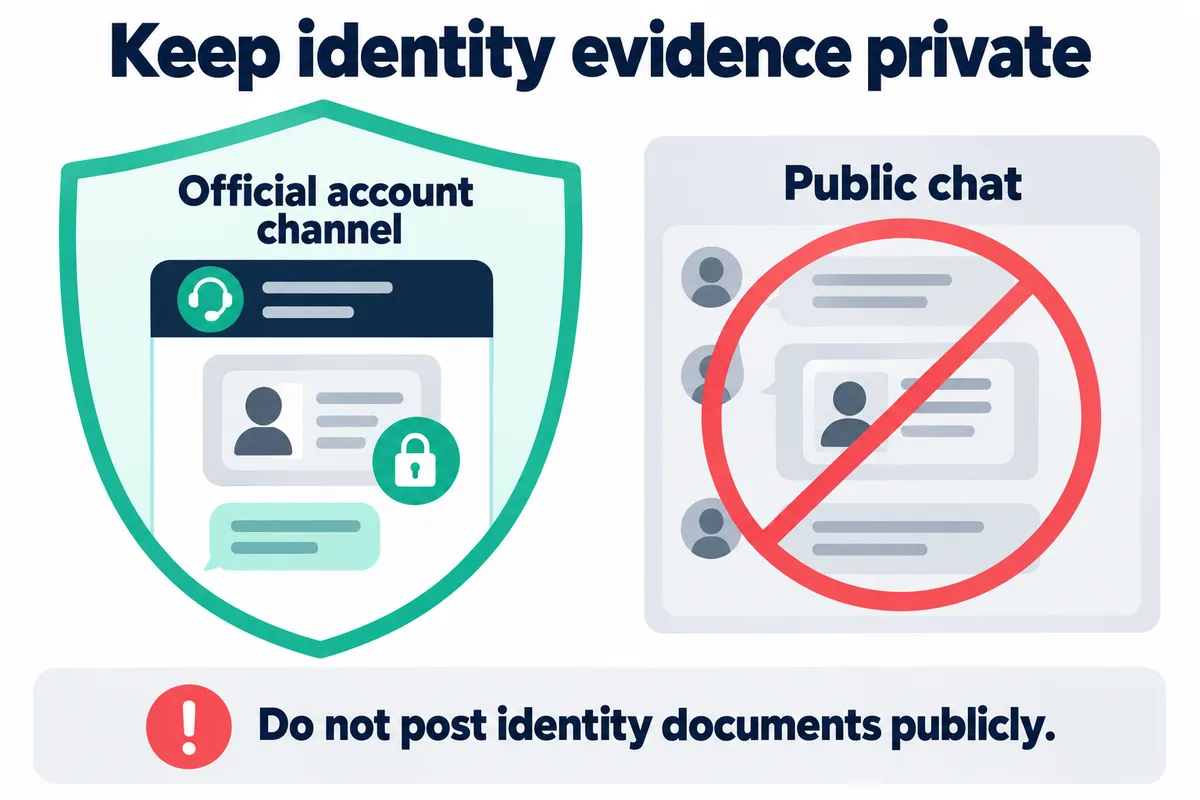
Bimence explanatory diagrams, not official account screens. Product and account conditions apply.
Frequently asked questions
Why does Binance verification keep failing?
Repeated failures usually mean the specific rejection reason has not been corrected. Check document eligibility and expiry, image quality, information matching, face-check conditions, proof-of-address requirements, and any additional request shown in the account.
Can I use another person’s document?
No. Identity and face verification must belong to the account holder. Using another person’s information can create compliance and account-access problems.
Can I create another account if KYC fails?
A failed attempt is not a reason to create another account. Use the correction, identity-update, or official support route shown for the existing account.
How long should I wait after 10 failed attempts?
Binance’s current personal verification guide says that after 10 denials within 24 hours, you should wait 24 hours before trying again. Follow the current message displayed in your account if it differs.
Does completing KYC unlock every Binance service?
No. Product access, limits, and additional checks vary by Binance entity, residence, account status, and service. Verify availability in the account before depositing or trading.
Official Binance sources
Checked: September 14, 2026. These sources describe the general personal-account process. The requirements displayed inside the user’s own account take priority for that account and jurisdiction.
- How to Complete Identity Verification — document, selfie, face-check, and retry guidance.
- How to Verify My Residential Address on Binance? — accepted evidence, image requirements, and review guidance.
- How to Update My Verified Identity Information? — identity-update routes and account restrictions during the process.
Last reviewed: September 14, 2026.
Verification status and separate registration information
For a failed verification attempt, use the correction or official support route for the existing account. Binance sign-up guide describes registration separately.
The referral identifier below is unrelated to verification approval.
Referral code: BIMENCE.
Referral conditions and identity-verification requirements are separate.
Bimence may earn a commission if you register through an eligible referral link, at no additional cost to you. Read our Affiliate Disclosure. Cryptoasset prices are volatile, and account or product access can be restricted. Read our Risk Disclosure. This article is educational and does not guarantee verification approval or access to any Binance service.