
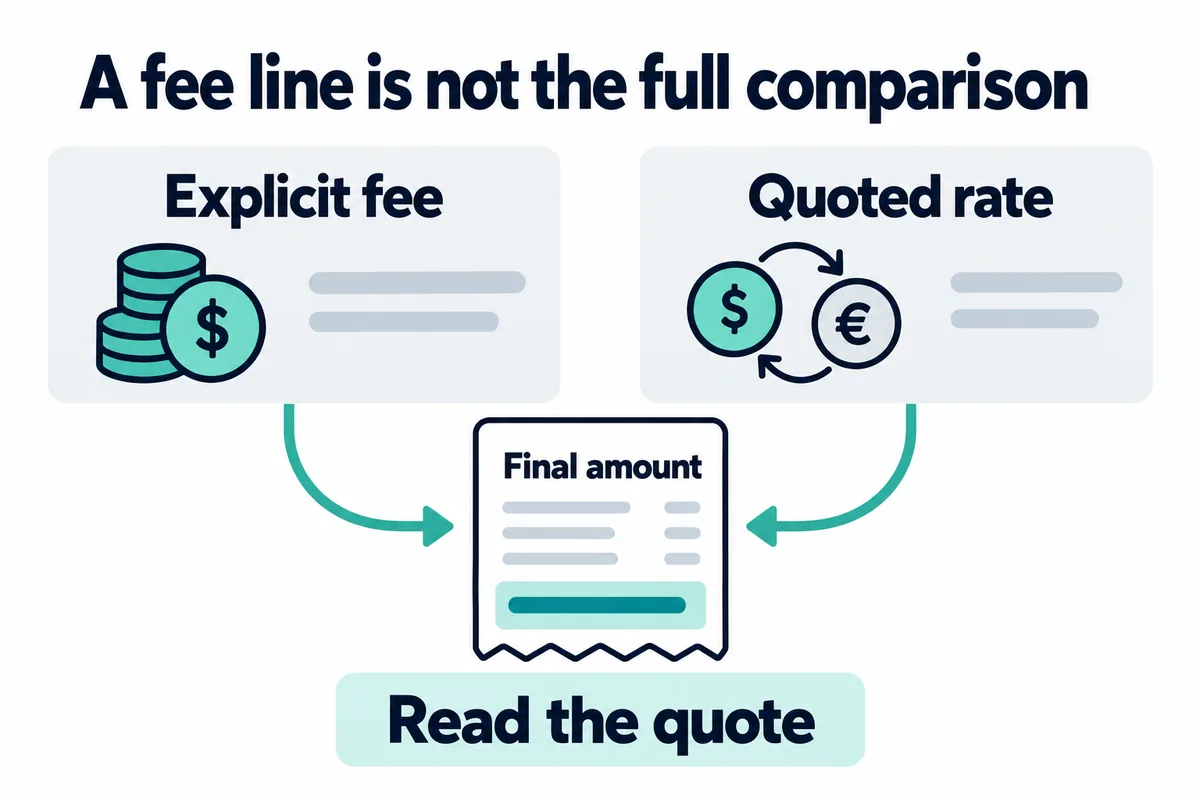
Short answer: Binance Convert normally presents a final exchange quote instead of a separately itemized maker or taker commission. Some eligible Convert transactions are described by Binance as having zero fees, but “zero fee” does not automatically mean zero cost. The quoted rate can differ from a simultaneous Spot-market reference because of spread, liquidity, order size and fast market movement. Compare the amount you will receive before confirming—not only the fee label.
Last verified: August 17, 2026. Supported assets, minimum amounts, quote validity, account eligibility, regional availability and product terms can change. The live Binance Convert preview shown for your account is the controlling quote.
Binance Convert cost at a glance
| Cost element | How it appears | What to check |
|---|---|---|
| Separate Convert commission | May be advertised as zero for an eligible conversion | Review the live preview and applicable product terms |
| Quoted-rate difference | Built into the amount offered in the quote rather than shown as a maker/taker line item | Compare the quoted output with a same-time reference rate |
| Market movement | The quote changes or expires while prices move | Check the timer and refresh immediately before confirming |
| Spot trading fee | Applies when using the Spot order book, not merely because Convert shows a quote | Check maker/taker role, VIP tier and eligible BNB setting |
| Network or withdrawal fee | Applies if assets are later withdrawn on-chain | Review the selected network and live withdrawal screen separately |
Does Binance Convert charge a fee?
The careful answer is that you must distinguish a separately itemized trading commission from the economic result of the quote. Binance has described eligible Convert trading as zero-fee in official product announcements. Its current Academy guide explains that Convert generates a real-time quote, lets the user preview the amount received and then executes the conversion after confirmation.
A zero-fee label therefore should not be read as a promise that the Convert quote will always equal the best bid, best ask, midpoint or average Spot execution price. Binance Academy’s explanation of currency converters notes that an instant conversion quote may include a small spread. The practical question is not only “Is there a separate commission?” but also “How much of the destination asset will I receive?”
What spread means in a Convert quote
A spread is a difference between two prices. On a traditional order book, the bid-ask spread is the gap between the highest price a buyer offers and the lowest price a seller accepts. An instant conversion tool does not ask the user to manage that order book. It provides a quote that already tells the user how much of the destination asset will be delivered.
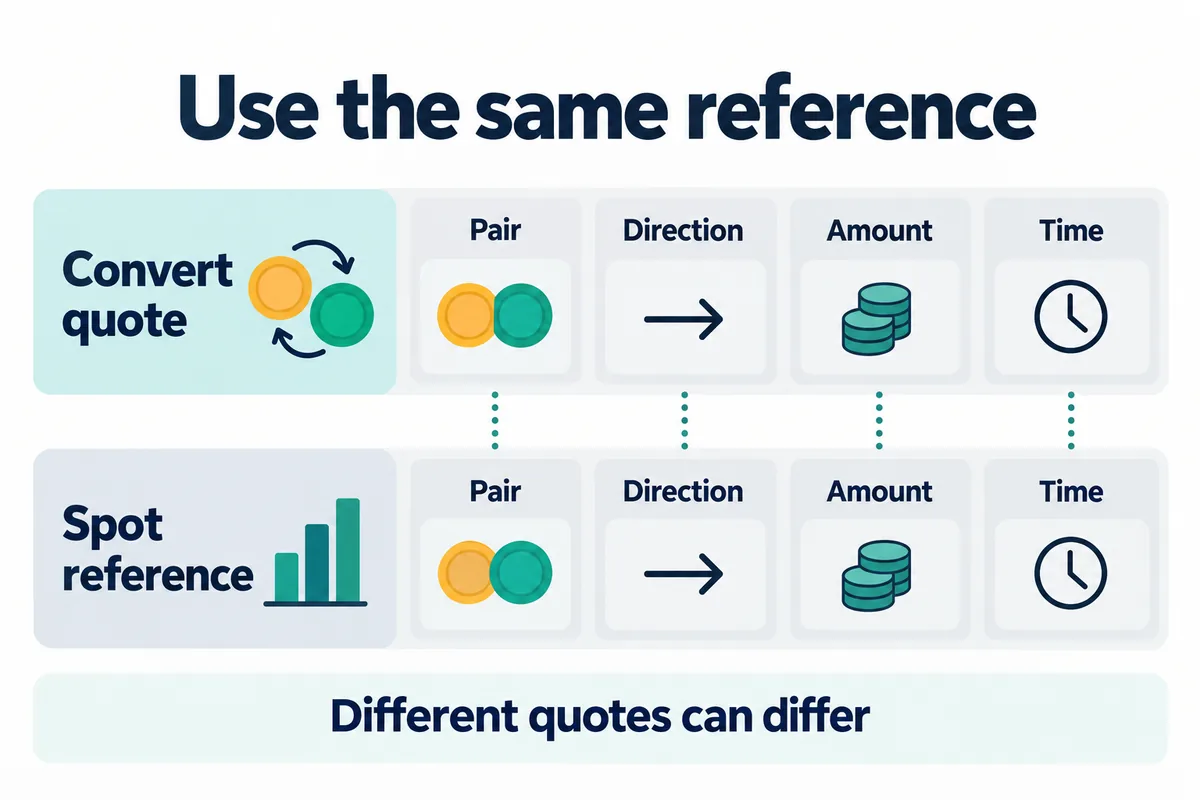
The difference between that output and a reasonable same-time market reference can be treated as an effective quote gap for comparison. It is not necessarily a separately charged “fee,” and it should not be described as a fixed Binance spread. It can change with the pair, direction, amount, liquidity, volatility, quote timing and account or regional availability.
Effective quote gap (%) = (reference output − Convert quoted output) ÷ reference output × 100
This comparison works only when both values are captured at nearly the same time and use the same direction, amount and asset pair. A stale Spot price, a reversed pair or a different amount can create a misleading result.
Binance Convert cost example: a hypothetical comparison
Assume that a same-time reference indicates that converting 1,000 units of the source asset would produce 0.010000 units of the destination asset before any Spot trading fee. Suppose the Convert preview offers 0.009970 units of that same destination asset.
(0.010000 − 0.009970) ÷ 0.010000 × 100 = 0.30%
The observed quote gap in this hypothetical example is 0.30%. That does not prove Binance charges a fixed 0.30% Convert fee. A valid comparison would also estimate the Spot order’s likely execution price, maker or taker commission and slippage. The better route can change with market conditions and order size.
Compare the final quantity: two fictional cases
Bimence hypothetical model: for the same asset pair, direction, input budget and observation time, let the reference output be B = 100 units and the Convert quote C = 99.7 units. Assume a Spot fee f = 0.001 (0.10%), deducted in the received asset. These are fictional inputs, not live quotes or offered rates.
| Assumed output shortfall | Spot net units | Convert units |
|---|---|---|
| 0.10% | 99.8001 | 99.7 |
| 0.25% | 99.65025 | 99.7 |
The shortfall s means the reduction in gross output quantity versus B, not a price-slippage percentage. S = B × (1 − s) × (1 − f). If using an actual execution price, calculate the quantity from budget ÷ price first. The comparison reverses between the two cases.
If fees are paid in BNB or another asset, retain that separate cost instead of deducting it from received units. Match quote timing and include every fee/leg; an expired quote or different route is not a fair comparison. This is cost arithmetic, not a trading recommendation.
Model and cited Convert procedure reviewed: 2026-11-01 · Binance
Binance Convert vs Spot trading
| Feature | Binance Convert | Binance Spot |
|---|---|---|
| Price presentation | One preview quote and destination amount | Order book with bids, asks and recent trades |
| Separate trading fee | May be advertised as zero for eligible conversions; check the live product terms | Maker or taker commission applies according to the account and pair |
| Execution control | Simple instant quote; available limit or recurring features may differ | Market, limit and other supported order types |
| Price transparency | Compare the quoted output with a same-time reference | Order-book depth and fills are visible |
| Main uncertainty | Quoted-rate difference and quote expiry | Trading fee, maker/taker status, spread and slippage |
| Best comparison metric | Final destination amount | Net destination amount after execution and commission |
For Spot, read the Binance maker vs taker fee guide and the broader Binance fees guide. To audit what was actually charged after a Spot fill, use the actual Binance trading fee checklist.
How to compare Convert and Spot before confirming
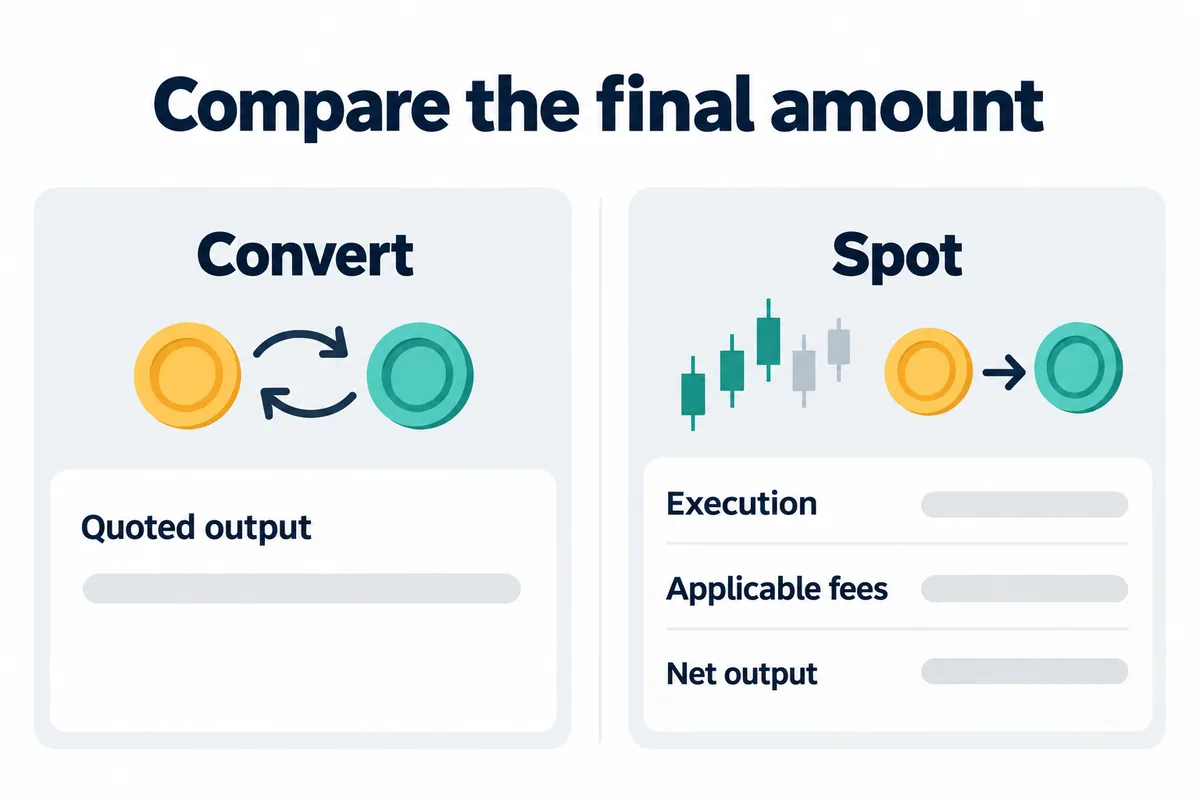
- Choose the exact source asset, destination asset and amount in Binance Convert.
- Open the preview and record the destination amount and quote timer.
- At nearly the same time, open the matching Spot pair or the closest available route.
- Estimate how much the Spot order would receive after likely execution, maker/taker commission and slippage.
- Use the same conversion direction. Do not compare a USDT-to-BTC quote with a BTC-to-USDT price without inverting correctly.
- Compare the final destination amounts, not a headline percentage alone.
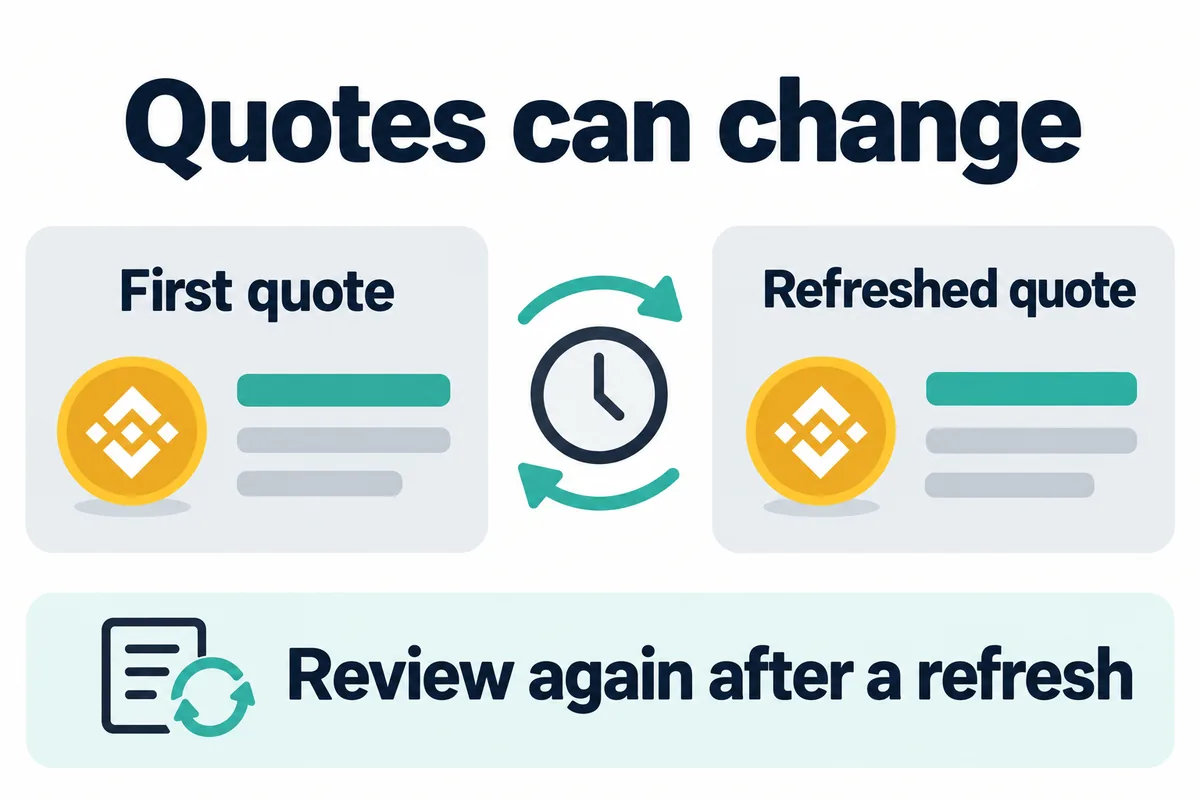
- Refresh both screens if the market moves or the Convert quote expires.
- Confirm only after checking the live amount, product availability and risk for your account.
Why the Convert quote can change
- Market volatility: the reference price can move during the short quote window.
- Liquidity: less-liquid assets or routes can produce a different effective rate from heavily traded pairs.
- Order size: a larger requested amount can require a different pricing response than a small quote.
- Direction: converting A to B is not necessarily the mathematical inverse of converting B to A at another moment.
- Route: not every asset combination has a direct Spot pair, so a comparison may require an intermediate asset.
- Account and region: supported assets, balances and Convert features can vary.
- Quote expiry: Binance Academy states that previews refresh frequently; the live timer controls the current offer.
Where BNB, VIP and referral benefits fit
Do not automatically subtract a BNB, VIP or referral percentage from a Binance Convert quote. Those mechanisms have separate product and eligibility rules. BNB fee-payment settings and VIP maker/taker rates are relevant to eligible trading commissions, while Convert presents its own live quote. A referral benefit should be treated as applicable only when Binance displays it for the user, product and account.
Before registering, review the Binance referral, BNB and VIP comparison and the Binance sign-up guide for BIMENCE. After registration, the account’s own referral and fee screens are the final source for eligibility. Never add advertised percentages together unless Binance explicitly shows that combination for the same product.
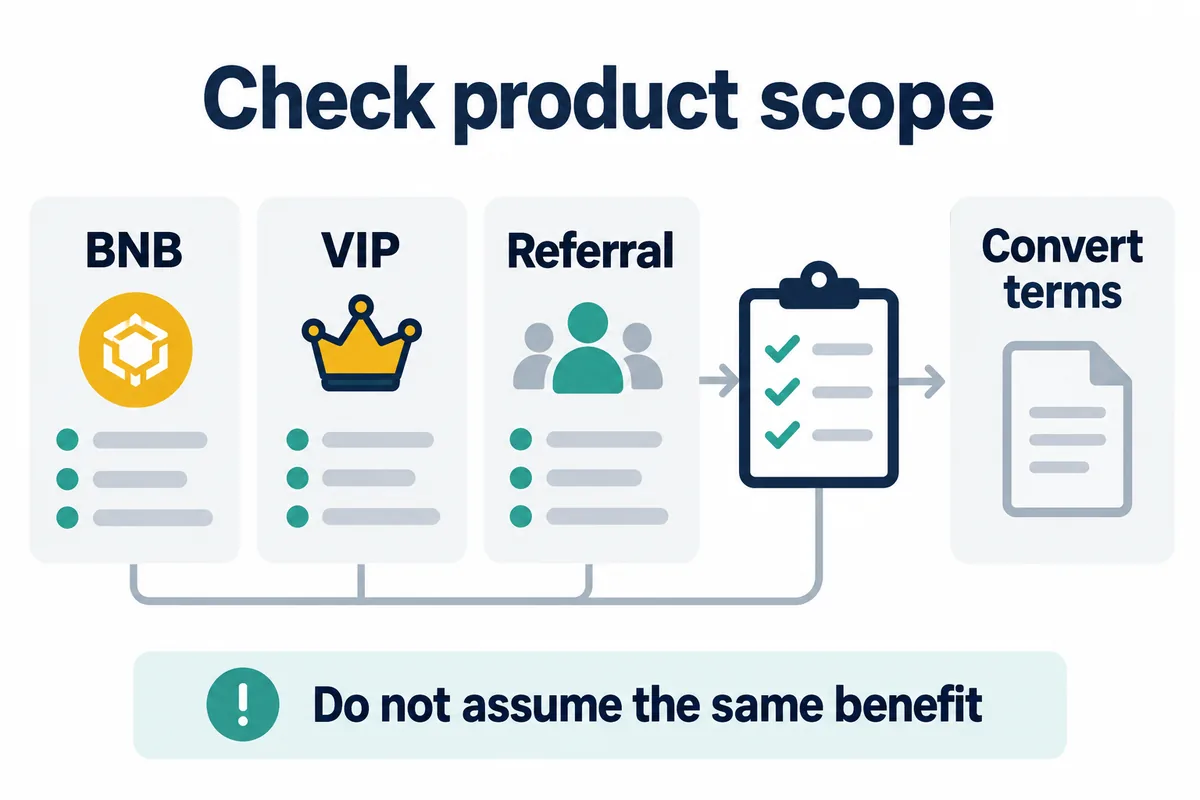
Bimence explanatory diagrams, not official account screens. Product and account conditions apply.
Common mistakes
- Assuming zero fee means the market midpoint: a quote can differ from a reference even when no separate commission is itemized.
- Using an old screenshot: quotes and supported assets can change.
- Comparing different times: rapid price movement can look like a spread difference.
- Ignoring Spot commission: compare Convert output with the net Spot result, not a fee-free Spot reference.
- Ignoring slippage: a market order may fill at several prices.
- Comparing the wrong direction: an inverse rate requires careful calculation.
- Adding discount percentages: referral, BNB, VIP and promotional terms are not automatically cumulative.
- Confusing Convert with Binance Wallet swaps: on-chain Wallet swaps can involve different service, network, liquidity-provider and slippage costs.
Frequently asked questions
Is Binance Convert free?
Eligible Convert transactions may be advertised without a separate trading fee, but users should still evaluate the quoted exchange rate and final amount received. “No itemized fee” and “no economic difference from a reference price” are not the same statement.
Does Binance Convert use the Spot price?
Binance Convert provides a real-time quote intended to reflect current market conditions. Do not assume that it must exactly match the last Spot trade, best bid, best ask or midpoint. Compare the live destination amount with a same-time reference.
Is Convert always cheaper than Spot?
No universal answer applies. Convert can be simpler, while Spot offers order-book visibility and more execution control. The net result depends on the quote, pair, amount, liquidity, Spot fee, maker/taker role and slippage at that moment.
Does referral code BIMENCE reduce the Convert spread?
Do not assume that it does. Referral eligibility and product coverage are controlled by the terms Binance displays for the account and region. Verify BIMENCE on the registration screen and later review the account’s Referral and Fee pages.
Official sources
- Binance Academy: What Is Binance Convert and How to Use It?
- Binance Academy: What Is a Currency Converter and How Does It Work?
- Binance Academy: Bid-Ask Spread and Slippage Explained
- Binance Convert live interface
Affiliate disclosure: Bimence may receive a commission for eligible actions completed through the BIMENCE link. Risk warning: Digital-asset prices can change rapidly, and conversions can produce a different result from an earlier preview or reference price. Product availability varies by region. This article is educational and is not investment, financial, legal or tax advice.