
Short answer: The most reliable way to check your actual Binance trading fee is to use the commission amount recorded for each executed fill in Trade History or the transaction ledger. The public fee table is a starting point, not proof of the final charge. Your product, VIP tier, maker or taker role, BNB setting, pair-specific promotion, fee asset and partial fills can all change the result.
Last verified: August 16, 2026. Interface labels, fee rates, discounts and API responses can change. Use the current signed-in Binance web or app interface as the controlling source for your account.
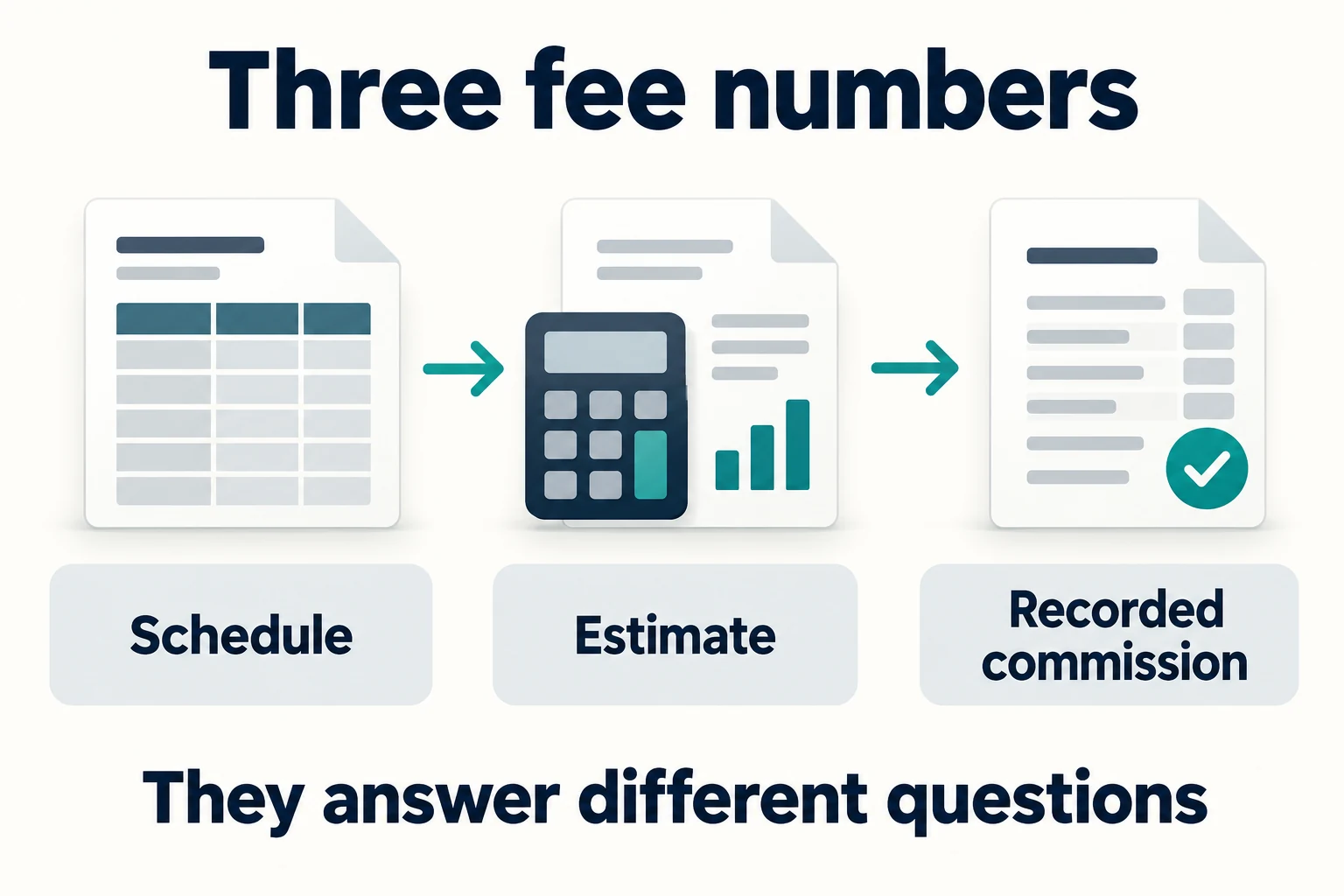
Three fee numbers you should keep separate
| Number | Where it comes from | Best use |
|---|---|---|
| Published schedule rate | Binance fee or VIP page | Planning and comparing products |
| Pre-trade estimated rate | Order preview, account settings or an authenticated API estimate | Checking the likely charge before submission |
| Actual commission | Trade History, fill details or transaction ledger | Accounting, performance review and dispute evidence |
Step 1: identify the exact Binance product
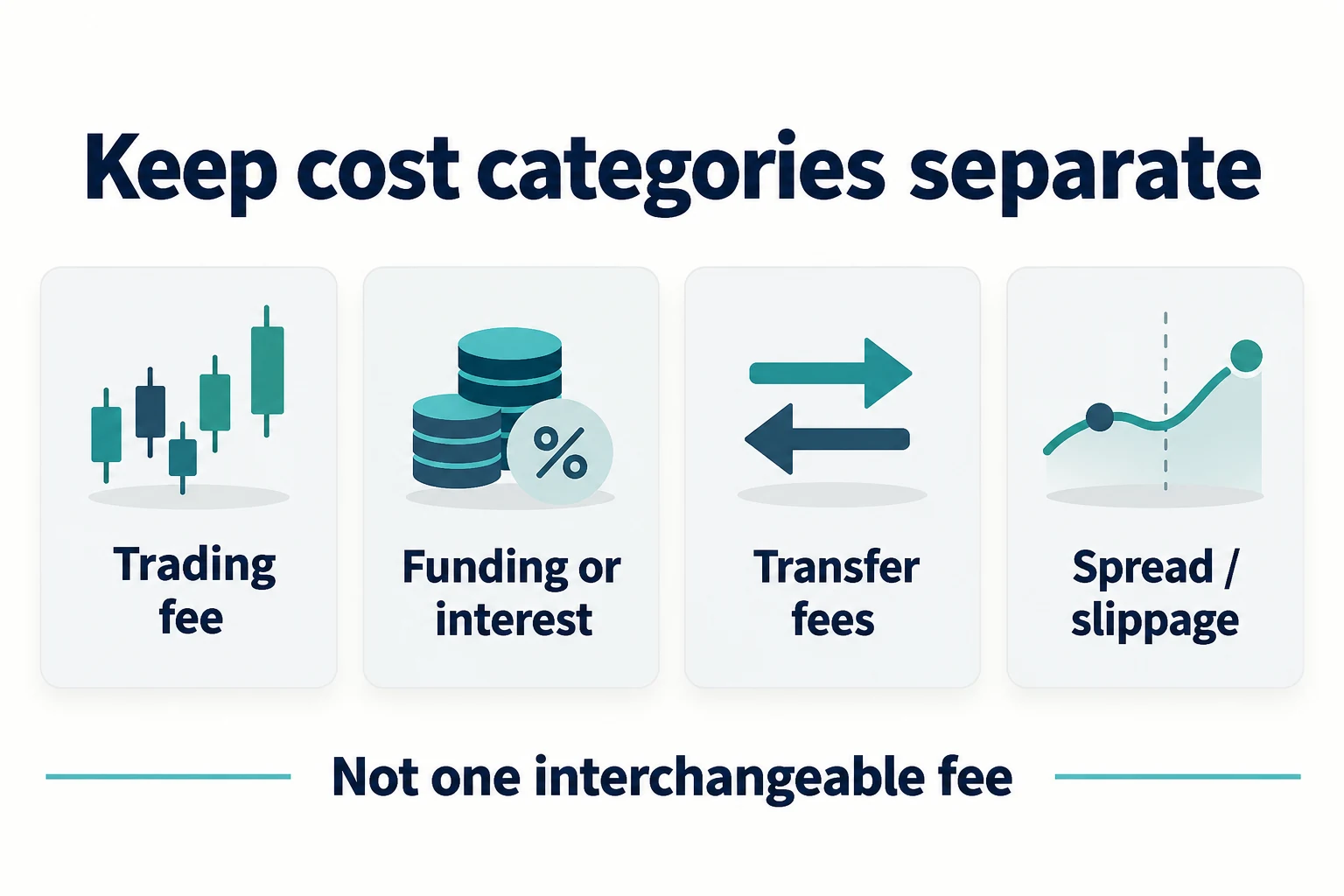
Start by separating Spot, Margin, USDⓈ-M Futures, COIN-M Futures, Options, Convert and other services. They do not necessarily use the same fee calculation. Withdrawal network fees and perpetual funding payments are not ordinary Spot trading commissions.
Open the official fee screen for the product and record the current maker and taker rates for your account. The Binance fees guide explains the broader structure, while the VIP levels guide explains why two accounts may see different rates.
Step 2: check maker or taker status per fill
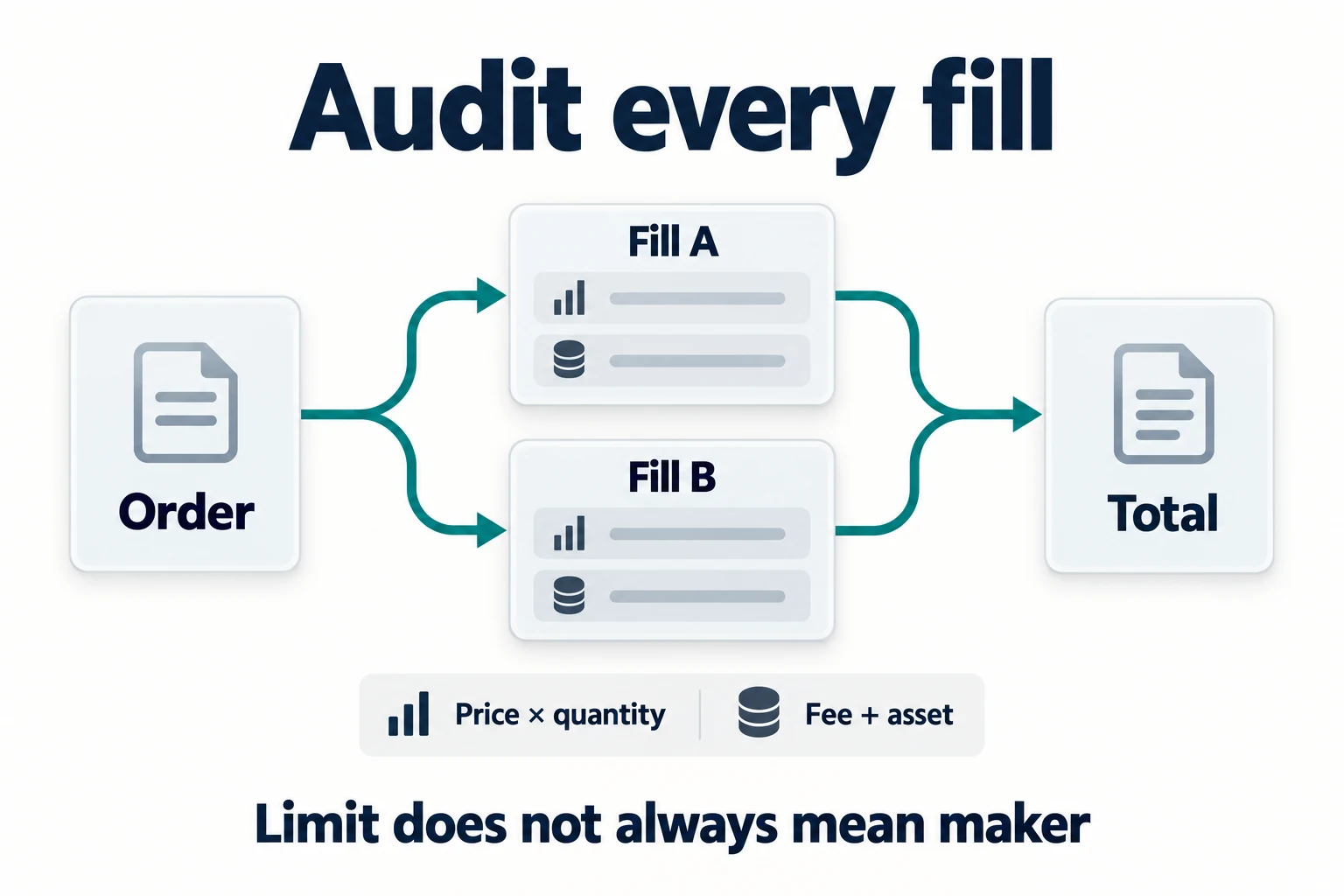
A maker fill adds liquidity after resting on the order book. A taker fill removes existing liquidity. A market order is normally a taker, but a limit order is not automatically a maker. If it crosses an executable price, it can fill immediately as a taker.
Large orders can execute in several pieces. Calculate or audit every fill rather than assuming the entire order used one role, one price or one commission amount. See maker vs taker fees on Binance.
Step 3: confirm BNB fee payment and promotions
Binance Academy currently states that paying eligible trading fees with BNB can reduce Spot fees by 25% and Futures fees by 10%. The setting must be enabled, sufficient BNB must be available and the product and fee must qualify. If the BNB balance is insufficient, the fee asset or reduction can differ from the expectation.
Pair-specific promotions can also reduce or remove one side of the schedule for a limited time. Check whether the promotion applies to maker, taker or both, and whether it has ended. The BNB fee discount guide covers the setup and caveats.
Step 4: find the recorded commission after execution
- Open the relevant Binance trading interface.
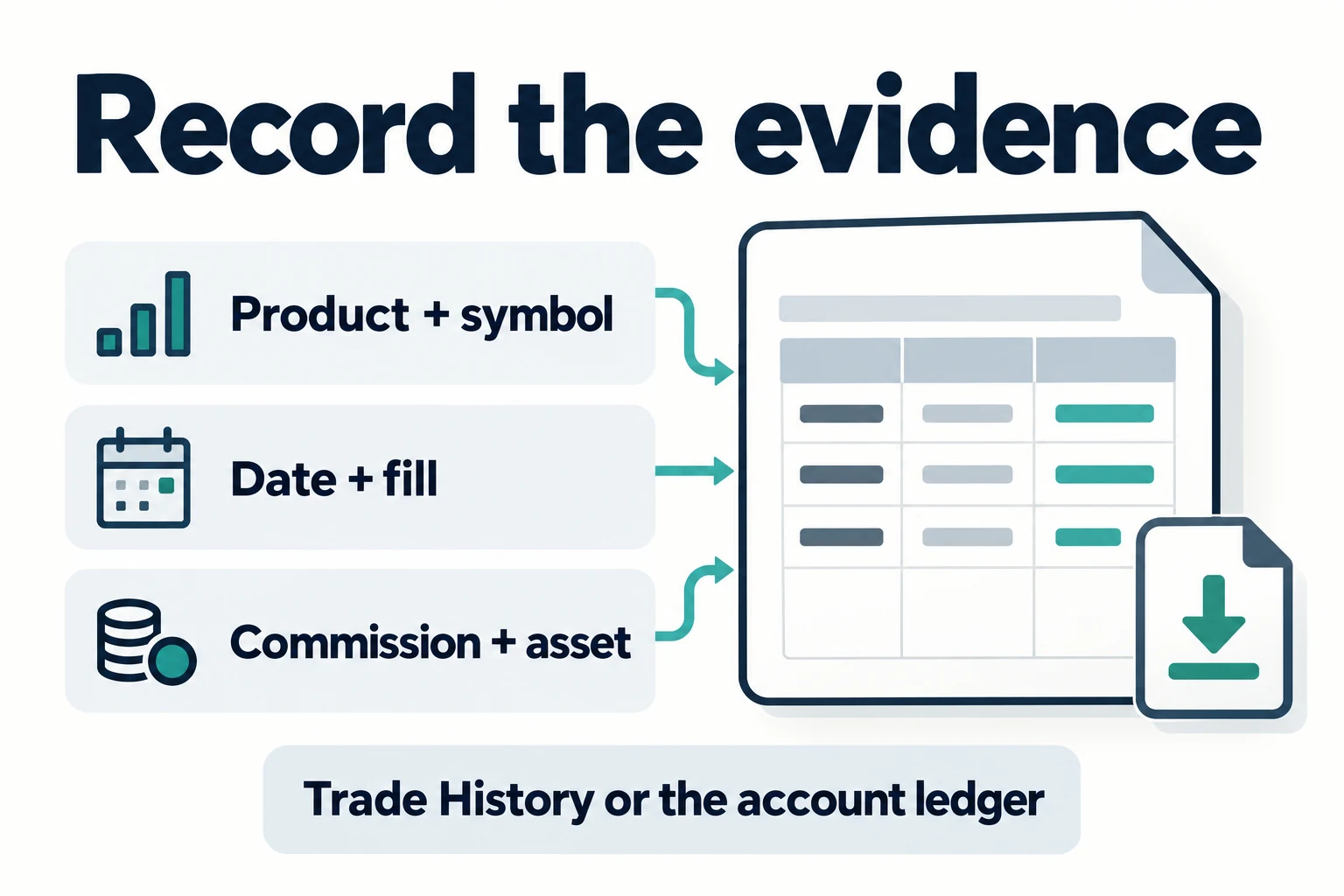
- Open Orders, then Trade History or the equivalent fill-history screen.
- Select the symbol and date range containing the trade.
- Expand each fill and record price, quantity, maker/taker role, commission amount and commission asset.
- Cross-check the transaction or account ledger if the interface aggregates several fills.
- Export the history when you need a durable accounting record.
Interface labels can vary by device, region and product. If the order screen shows only a total, use the detailed fills or exported history. The actual commission reported by Binance is better evidence than recalculating an old trade with today’s fee schedule.
How to calculate the effective fee rate
For a straightforward Spot fill, first calculate executed notional:
Executed notional = fill price × filled quantity
Then compare the commission value with that notional:
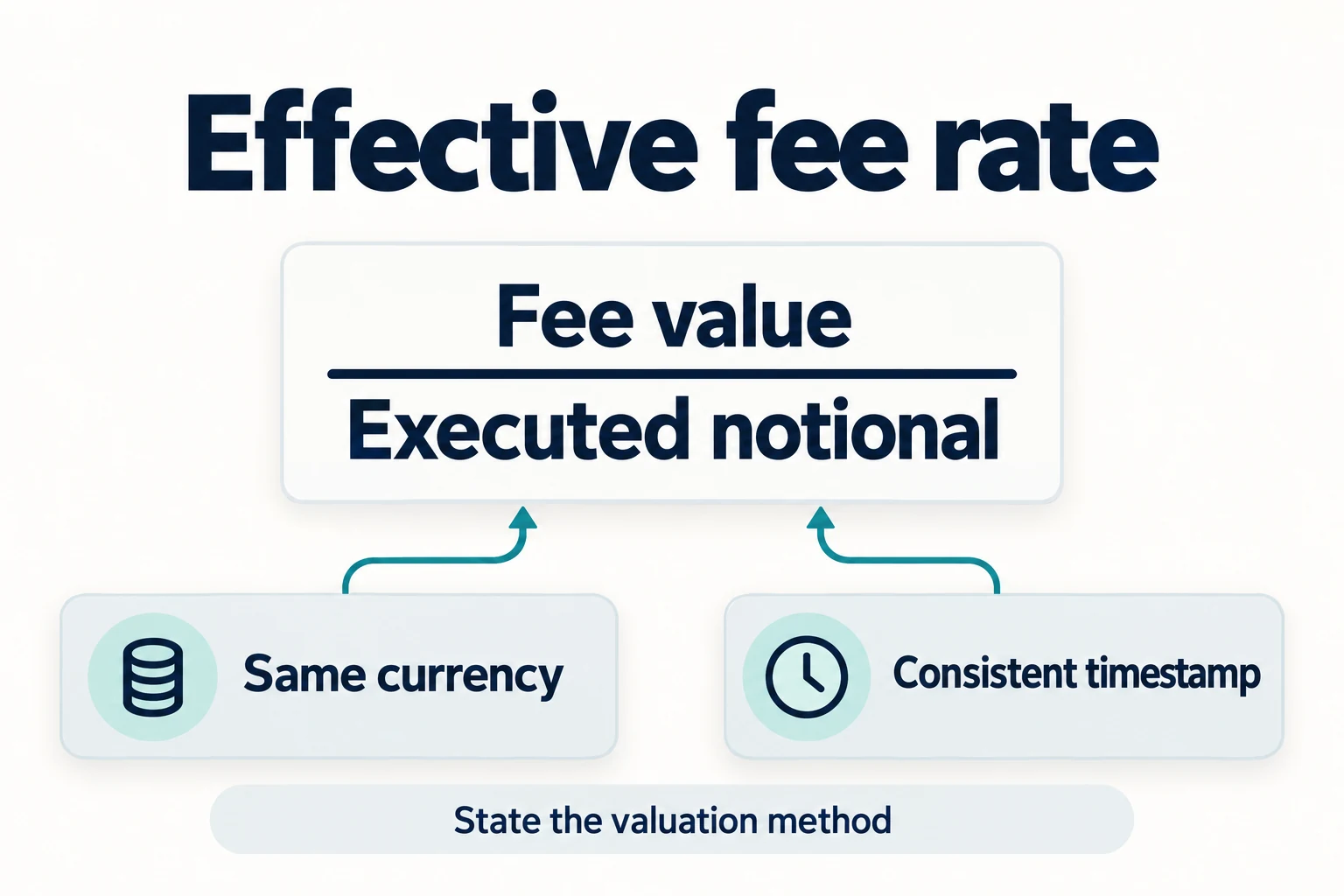
Effective fee rate = commission value ÷ executed notional
If the commission is charged in BNB or another asset, convert it using a consistent valuation method and timestamp for your records. State the method, because using a later market price can make the historical effective rate appear different.
Converting and adding fees recorded in different assets
Fictional example from separate Spot fills. The USD unit values below are assumptions for one declared valuation time and method, not market prices or Binance conversion quotes.
| Recorded fee | Assumed USD/unit | Value (USD) |
|---|---|---|
| 0.002 BNB | 600 | 1.20 |
| 2 USDT | 0.99 | 1.98 |
The fee total is 3.18 USD. Assume executed notional of 10000 USD on the same valuation basis; the modeled effective rate is 0.0318%.
3.18 ÷ 10000 × 100 = 0.0318%
If only BNB’s assumed value changes to 900 USD, the total becomes 3.78 USD and the ratio 0.0378%, with notional and USDT valuation held fixed. That is a valuation difference, not a change in the original commission quantities.
Do not add BNB and USDT quantities directly or equate USDT with USD. Keep the original records; do not deduct BNB/VIP/referral discounts again. Funding, withdrawal fees, spread and slippage are outside this commission example.
Worked example with partial fills
Assume an order fills in two parts:
| Fill | Price | Quantity | Notional | Recorded commission |
|---|---|---|---|---|
| 1 | 100,000 USDT | 0.04 BTC | 4,000 USDT | 4 USDT equivalent |
| 2 | 100,100 USDT | 0.06 BTC | 6,006 USDT | 6.006 USDT equivalent |
| Total | — | 0.10 BTC | 10,006 USDT | 10.006 USDT equivalent |
The effective rate in this hypothetical example is 10.006 ÷ 10,006 = 0.001, or 0.10%. If one fill had maker treatment and another taker treatment, calculate them separately before combining the totals.
Why your fee may not match the public table
- Your VIP tier changed before or after the trade.
- The fill was taker even though the order type was Limit.
- A pair-specific promotion applied to only one side of the market.
- BNB fee payment was disabled or the balance was insufficient.
- The commission was charged in a different asset.
- The order had multiple fills, rounding or minimum increments.
- A special commission, tax component or regional rule applied.
- You compared a funding payment or withdrawal fee with a trading fee.
Developer option: authenticated commission data
Binance Academy documents authenticated Spot API methods for account-level and symbol-level commission data. It also describes using a test order with computeCommissionRates=true to estimate the commission rates for specific order parameters without executing the trade. These endpoints require proper authentication and secure key handling.
GET /api/v3/accountfor account commission fields.GET /api/v3/account/commissionfor a symbol-level breakdown.POST /api/v3/order/testwith commission-rate computation for a pre-trade estimate.
Do not paste API secrets into a website, support chat or third-party calculator. Restrict permissions, use IP controls where appropriate and rotate any key that has been exposed.
A five-minute audit checklist
- Product and symbol are correct.
- VIP tier and published maker/taker rates are recorded.
- BNB setting and balance are confirmed.
- Promotion terms and expiration are saved.
- Every fill’s price, quantity, role, commission and asset are exported.
- Funding, withdrawal fees, spread and slippage are recorded separately.
- The final effective rate is calculated from actual fills.
Frequently asked questions
Where can I see the fee before a Binance trade?
Start with the signed-in fee or VIP page and the order preview available for the product. For an executed trade, use the recorded fill commission as the final source.
Why was my limit order charged a taker fee?
A limit order can remove liquidity when it is immediately executable against the order book. The execution role, not the word “Limit,” controls maker or taker treatment.
Is the withdrawal fee part of the trading-fee rate?
No. Withdrawal network fees and trading commissions are different categories. See the Binance withdrawal fees guide.
Diagrams and captions checked 2026-10-18. These are Bimence explanatory illustrations, not official account screens. Product and account conditions apply. Official references: BNB · Spot · Referral Pro.
Official source
Affiliate disclosure: Bimence may receive a commission for eligible actions completed through the BIMENCE link. Risk warning: Cryptoassets are volatile, and trading can result in loss. Product availability varies by region. This article is educational and is not investment, financial, legal or tax advice.